
Tag: Amazon Fire
-
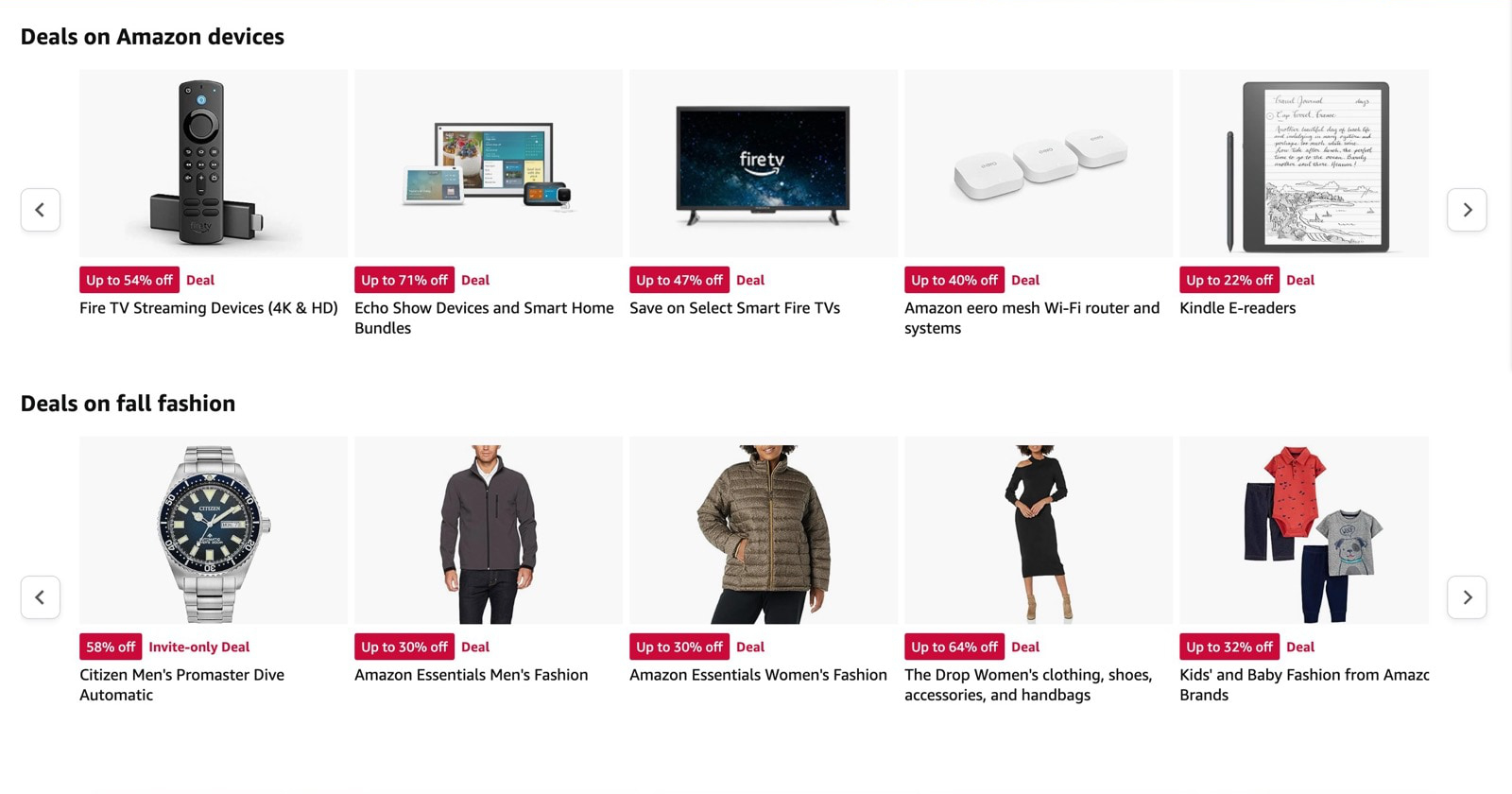
Save up to 70% on Amazon devices, even if you are not a Prime member
Prices of several Amazon devices are down by even 70%, for Prime and non-Prime users. Among them are Echo Show devices (70% off) and Fire tablets (50% off).
-
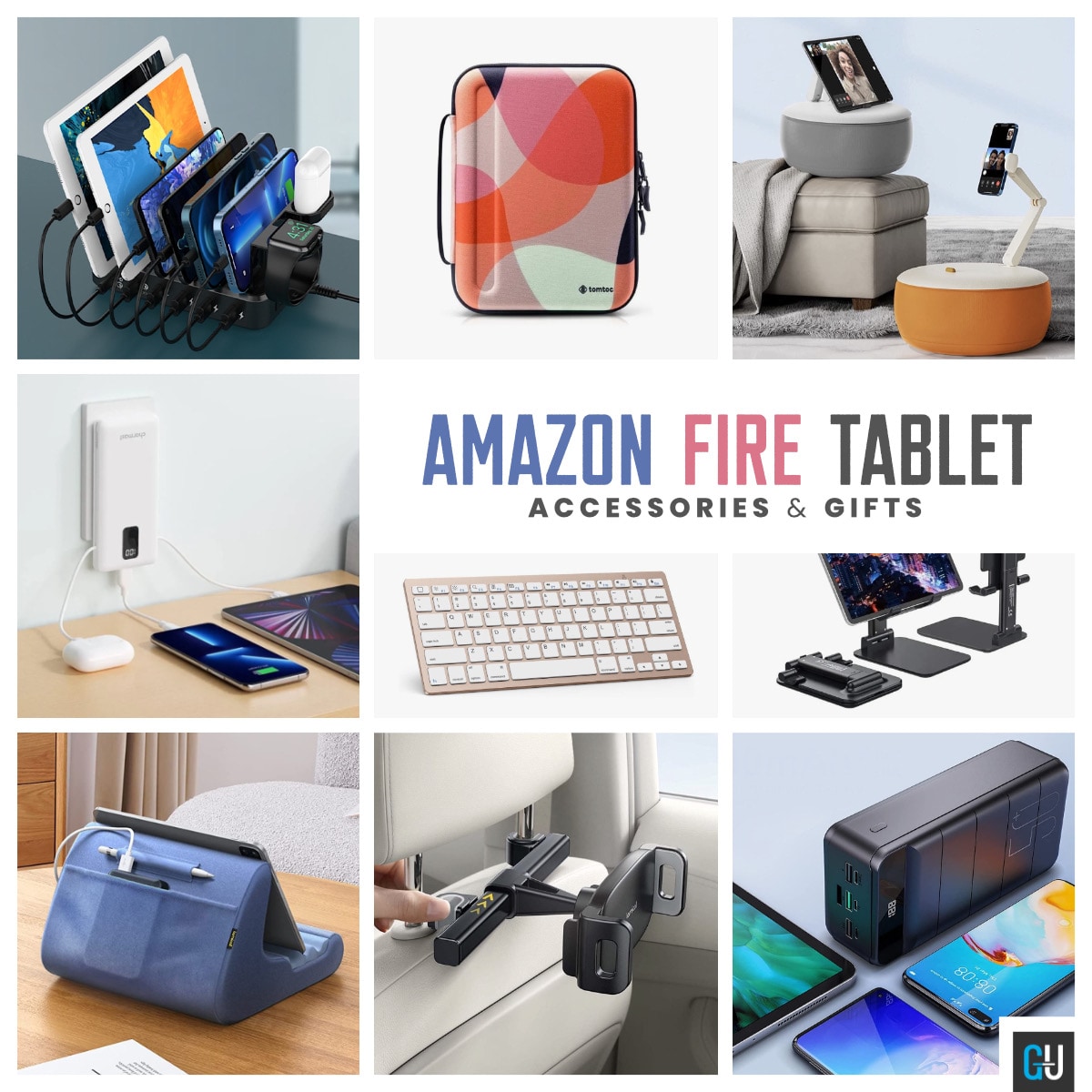
14 best Amazon Fire tablet accessories and gifts
Are you looking for an innovative but affordable Amazon Fire accessory that you can use yourself or gift someone? This list includes products for every taste and need.
-
11 ideas and tips how to reuse your old Amazon Fire tablet
A security camera feed monitor, an offline movie player, a night clock, a kitchen radio – these are just a few ideas.
-

Is Amazon Fire HD 8 (2022) compatible with my old case?
|
My advice is that you should not buy a new case until you try the old one. It may fit better than you think.
-
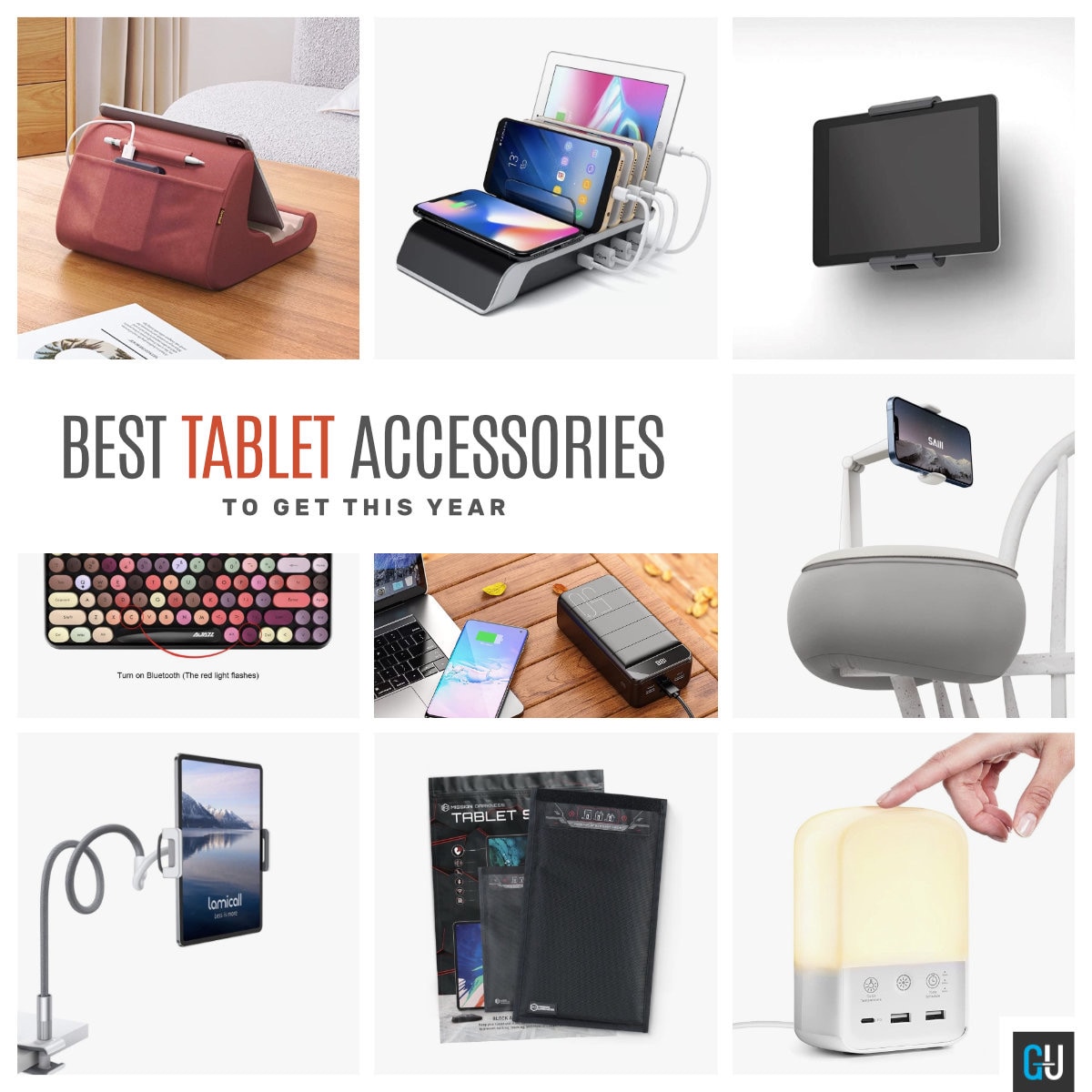
14 coolest tablet gadgets and accessories for geeks
Flexible gooseneck holder, 50000 mAh 18W power bank with USB-C port, multi-color retro keyboard, military-grade Faraday cage, and several more.
-

Should I buy a tablet pillow stand?
∙ A tablet pillow stand is helpful if you use your tablet in a bed or sofa. ∙ A short questionnaire will help you find out whether a pillow tablet pad is suitable for you.
-
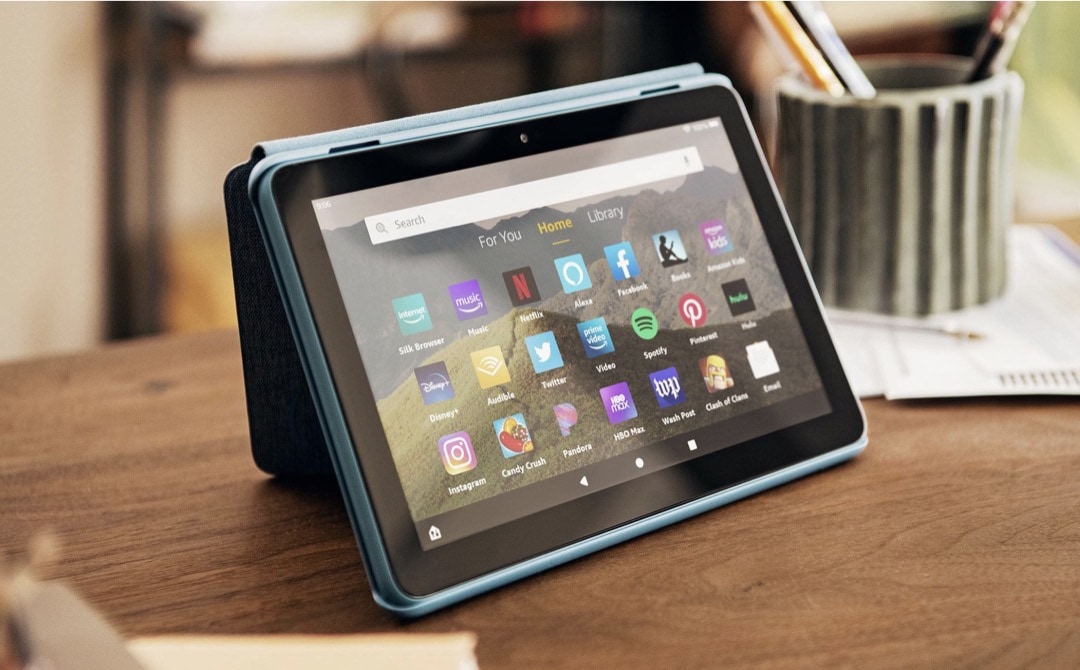
You can save 33% right now on iPad mini alternative from Amazon
• Amazon Fire HD 8 is $30 off, and you can get it for under $60. • Other Fire tablets, as well as Kindle e-readers, also enjoy reduced prices.
-
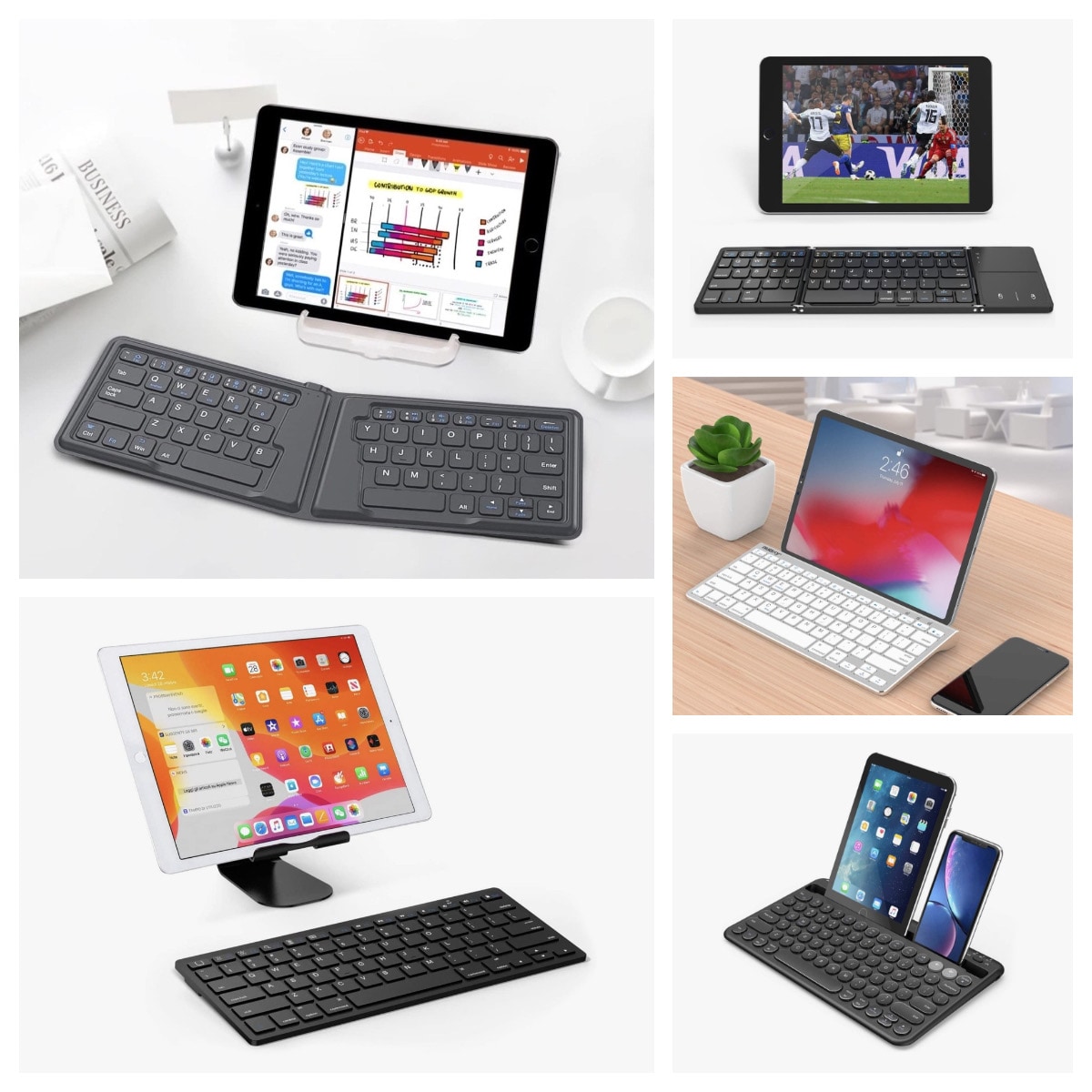
Top 5 alternative keyboards for your Amazon Fire HD 10
• The biggest problem with a dedicated Fire HD 10 keyboard case is that it fits only one model. • Pick up a standalone keyboard to use it with several devices.
-

How to choose the best keyboard for Amazon Fire tablet
Do you hesitate between a dedicated keyboard case and a universal tablet keyboard? Check out these tips and comparisons.
-
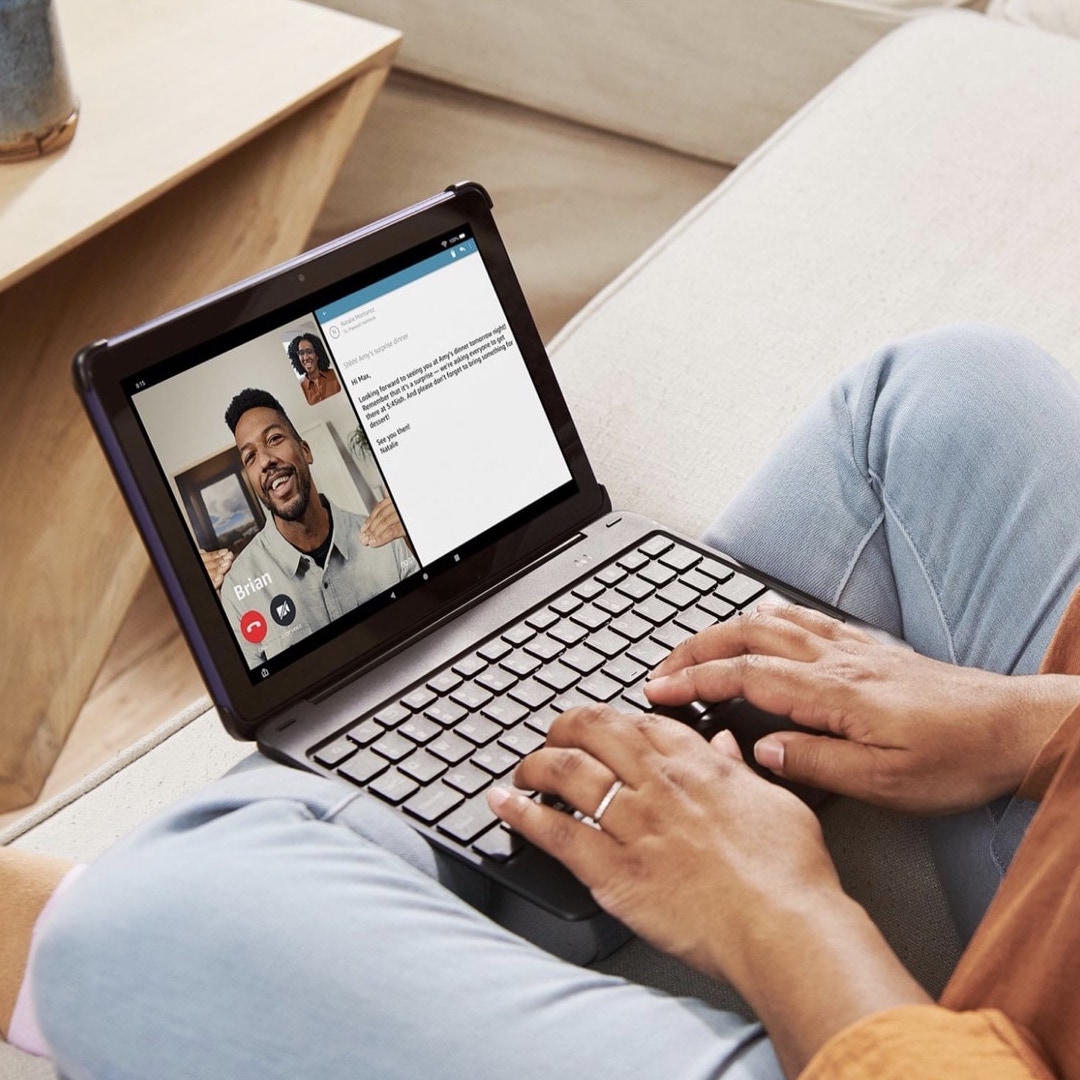
What are the pros and cons of Amazon Fire HD 10 keyboard?
Major advantages are: lightweight design, laptop experience, and long battery life. Main disadvantages: limited compatibility and lack of touchpad.
-
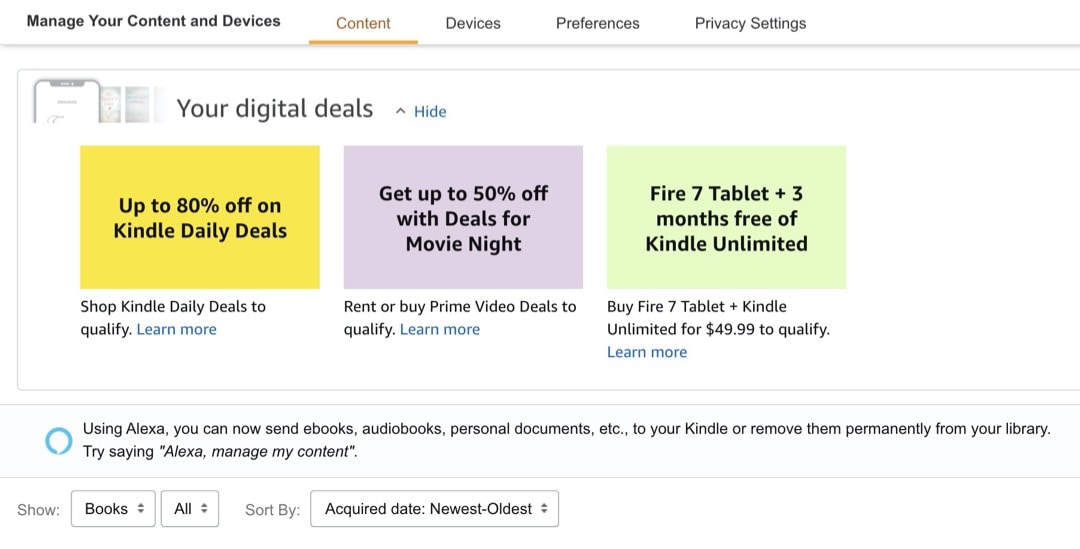
Find personalized Amazon Fire deals with this simple tip
1. Visit Amazon website and login with your credentials. 2. Go to Account & Lists » Your Content and Devices. Since 2020, logged-in Amazon customers can see deals on Amazon devices and subscriptions directly in their account dashboard. They are displayed at the top of “Manage Your Content and Devices” section. Finding personalized Amazon Fire…
-
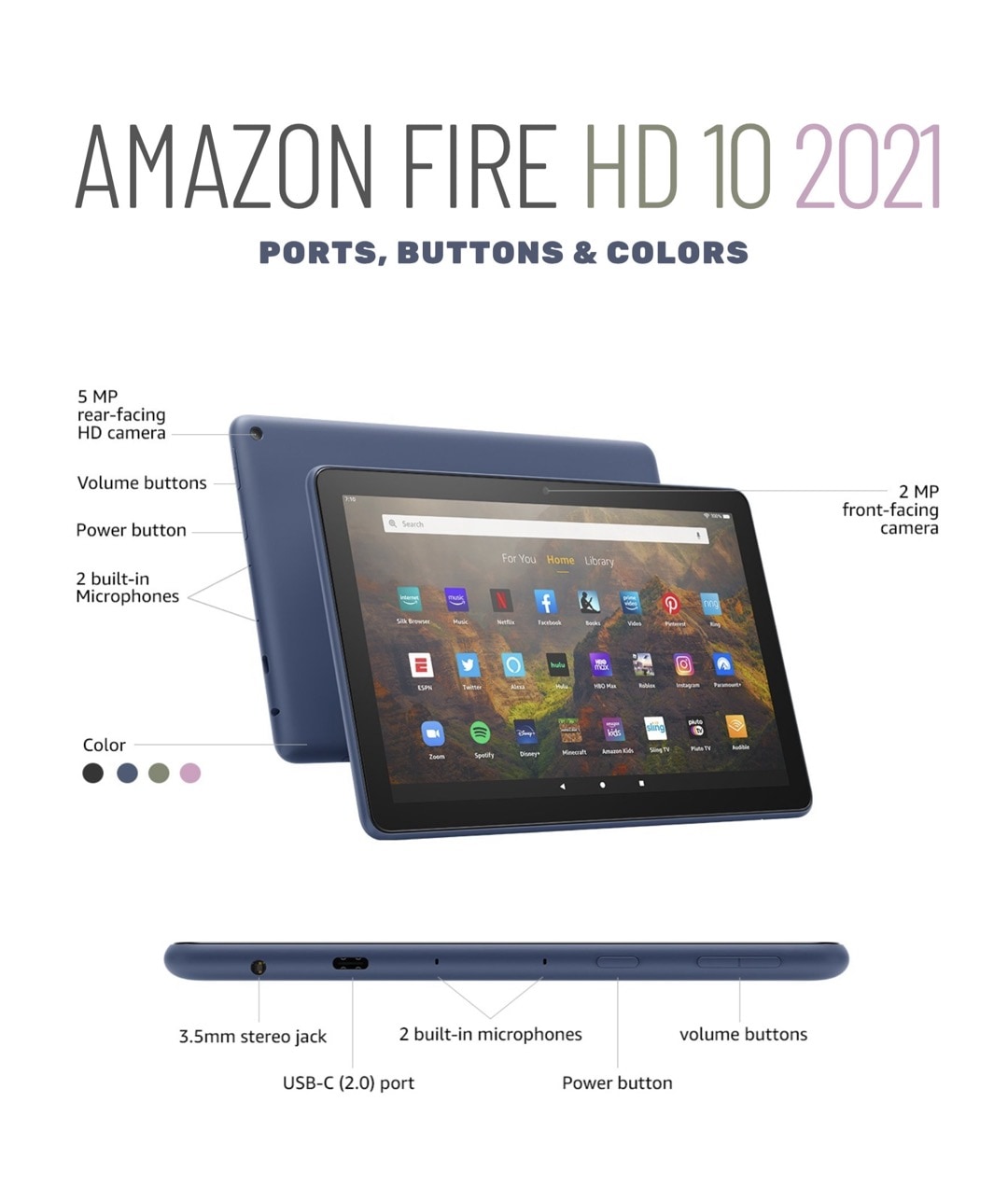
Should I buy Amazon Fire HD 10 tablet in 2021?
The 10-inch Fire HD released in 2021 comes with a few features that make it the best Amazon tablet to date.
-

How to add own ebooks to Amazon Fire
Here is a quick overview of the most reliable ways to add own ebook files to your Amazon Fire tablet. Which one is your favorite? Please remember that your sideloaded books are available on the Fire tablet in a Docs app, not Kindle Books app. To access sideloaded ebooks on the Fire tablet: 4 ways…
-
Switching from Kindle to Fire? One thing will highly disappoint you
On a Fire tablet, managing side-loaded ebooks is annoyingly difficult. They are not being handled by the Kindle book app. Starting point Fire tablets and Kindle e-readers are both powered by Amazon and many users expect to see similar – if not the same – features. Background Amazon lets you add and manage sideloaded books…
-

One Amazon Fire HD 8 feature I’d like to see in the iPad
Amazon Fire HD 8 tablet released in June 2020 comes with one feature that dramatically changes the way you use it. It’s surprising that other tablet producers haven’t introduced it yet. I’d love to see it introduced in the iPad. It’s not technologically complicated, but will make using the tablet way more convenient. Amazon Fire…
-
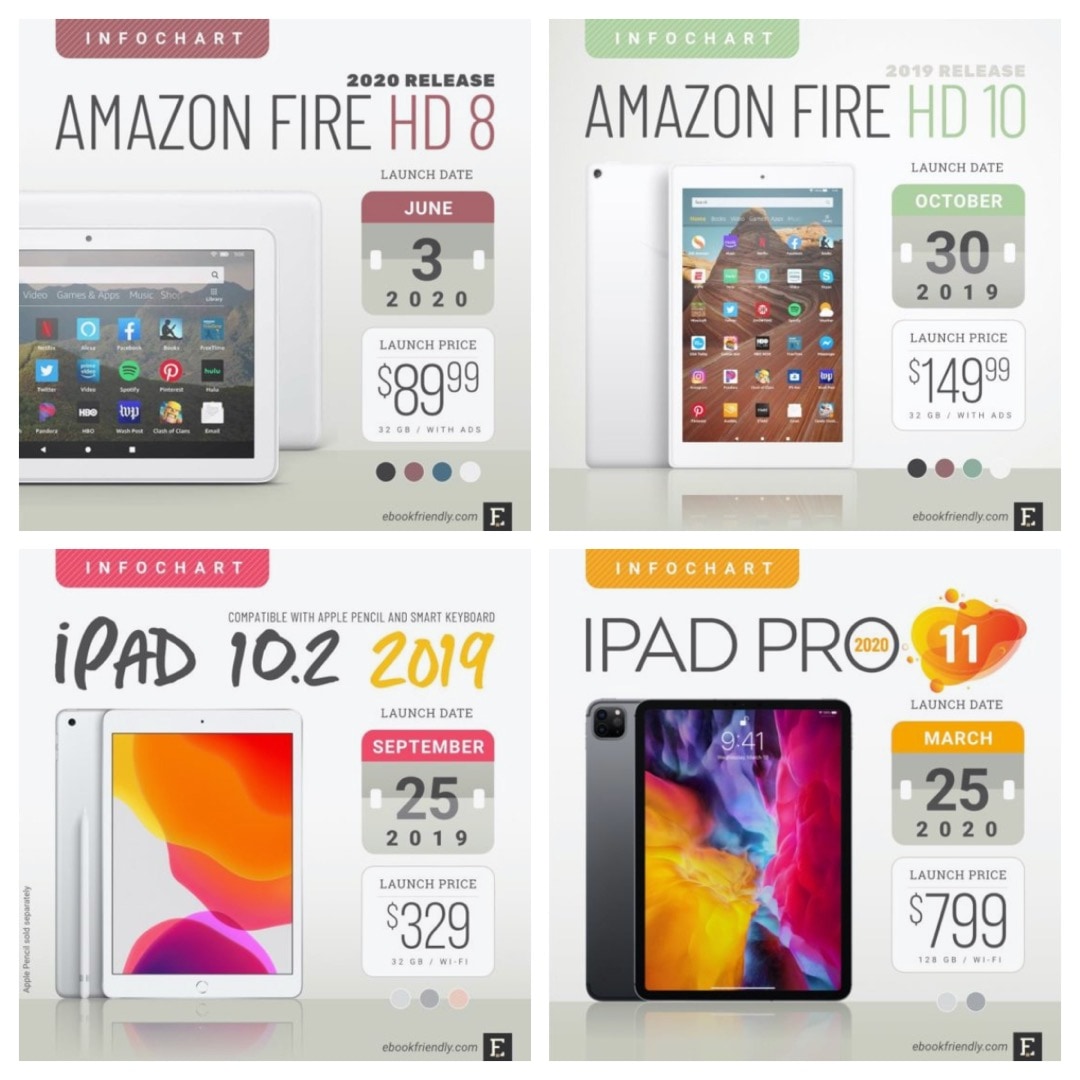
Amazon Fire or Apple iPad? Don't compare specs, compare platforms
Every time a new tablet model is released, many users start looking for side-by-side charts that would help them compare full tech specs. It’s the wrong attitude. Comparing tech specifications should be the last step of the decision process. The first thing you should do is find out which tablet (and – what’s most important…
-
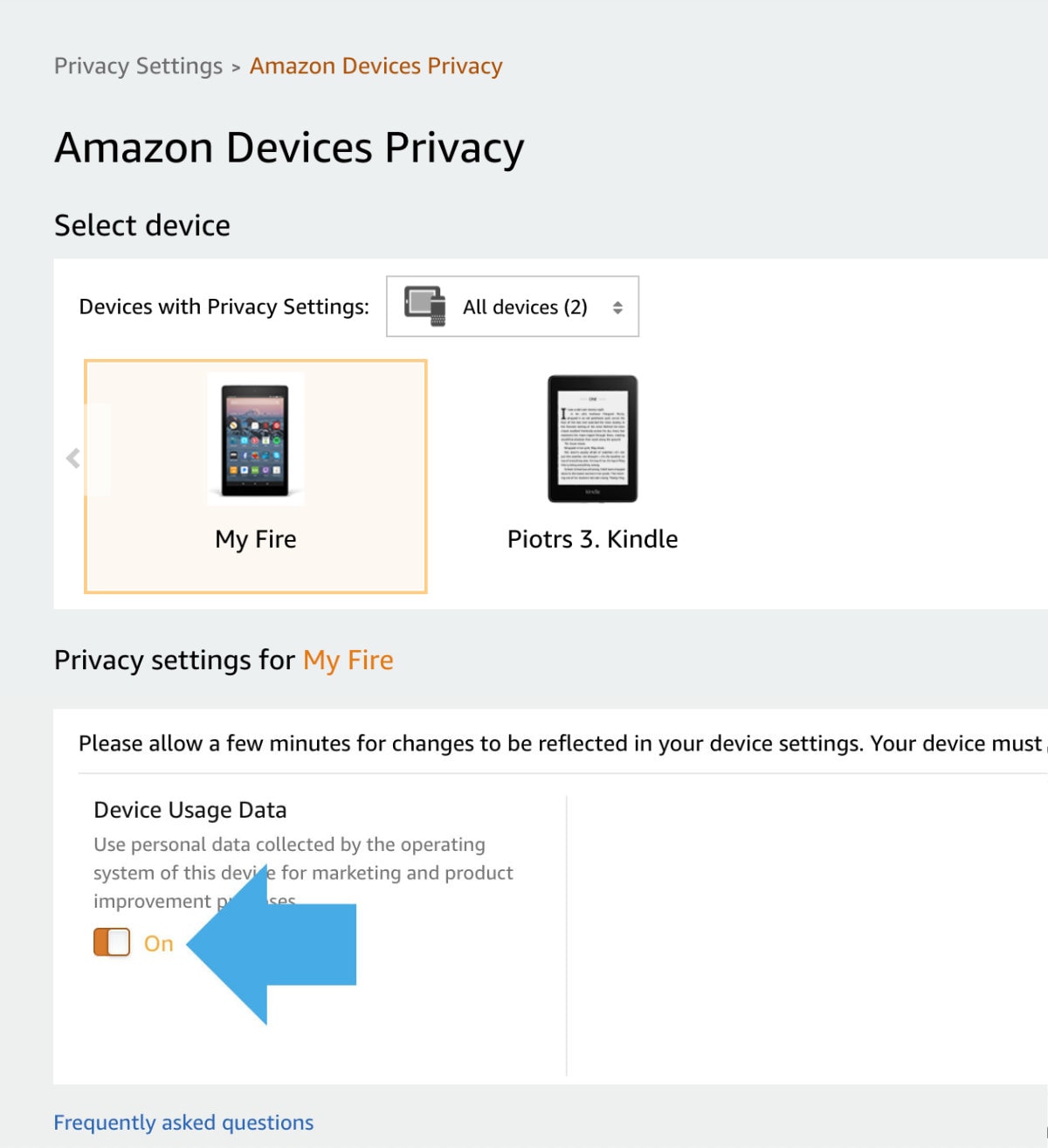
Amazon Fire: change this option to disable collecting your private data for marketing purposes
1. Go to Amazon website » Account » Your Content and Devices » Privacy Settings » Amazon Devices Privacy. 2. Select the Fire tablet you want to manage. 3. Toggle Device Usage Data button at the bottom. If you are concerned about Amazon collecting and processing your sensitive personal data, you can limit this access…
-
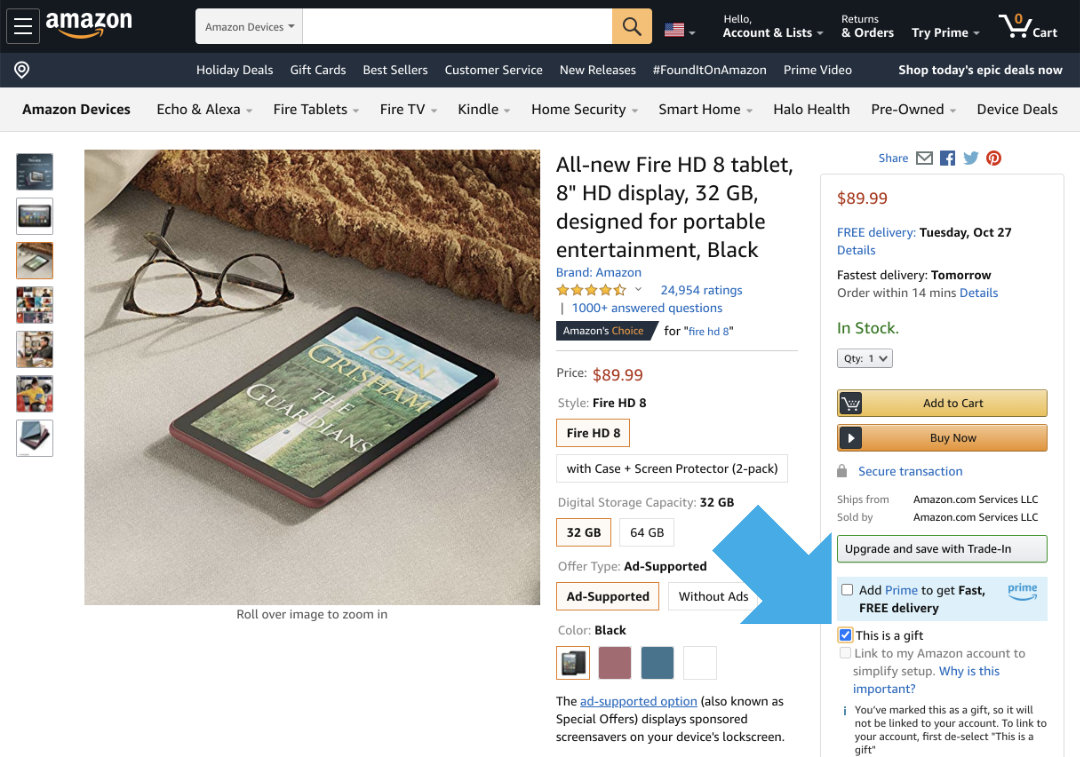
Buy a Fire tablet without linking to your Amazon account
1. When buying the Fire on Amazon website, check the box This is a gift. 2. Leave the rest of shipping details unchanged.3. Make sure you have selected your own shipping address. Amazon devices are usually shipped registered with the credentials of the buyer. This way, you can start using your new Fire or Echo…
-

Where are my own books on Amazon Fire tablet?
1. Your sideloaded books are not in the Kindle app. 2. Go to Docs app, and then select Send-to-Kindle option. Background Amazon lets you add your own books to the Kindle or Kindle app by providing a dedicated email that you can send the files to. You can find this email address by going to…
You must be logged in to post a comment.