
The new operating system dedicated to iPad – iPadOS – comes with a very handy feature that lets you use a third-party touchpad or mouse. Are you looking for one?
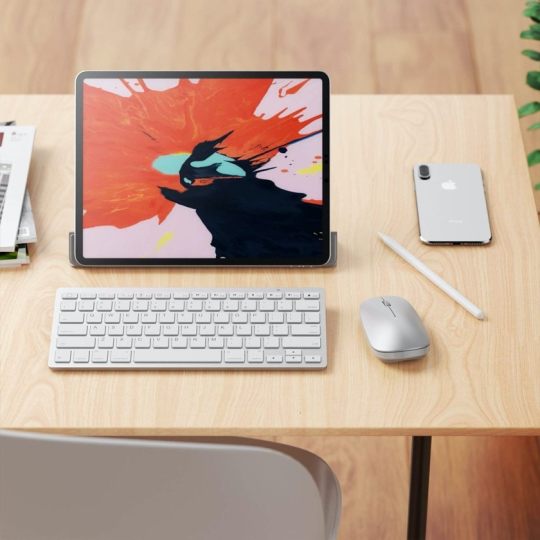
We’ve got good news! A set including a full-size desktop keyboard and a mouse is already available on Amazon and it has received good reviews so far.
The set is offered by Sparin, and connects to the iPad via Bluetooth module.
The keyboard is slim and features QWERTY layout with balanced key travel. There are function keys, such as volume, music control, or brightness.
How to enable keyboard touchpad for iPad
Step 1: Go to iPad Settings, then Accessibility, then Assist Touch.
Step 2: Enable Assist Touch.
The mouse is compact but will match perfectly your palm.
✨ Compatible: All iPad models running on iPadOS 13, including iPad 10.2, iPad Pro 11, and iPad Air 4.






 Geek Updated
You must be logged in to post a comment.