
To see all results, click “Sort By” menu and select any other option than “Featured”. You can also scroll down the page and click the Next button.
Amazon search results pages – the background
- Amazon has recently changed the way of displaying the total number matching products in search results pages.
- Instead of thousands of items, you will see much less – usually between 100 and 300.
- It doesn’t mean that suddenly thousands of products have been removed from Amazon.
- Amazon wants you to focus on featured products, and pick up one of them instead of looking for other less popular or promoted products.

When I was looking for new iPad Air 4 cases, I noticed that the number of matching results on Amazon was reduced to 200 from 10,000 two weeks ago.
It’s because the number displayed in the top-left corner counts only featured items, not all items.
There are still thousands of other products that match will match your search query, but, for some reason, Amazon doesn’t want you to find them.
Two ways to unlock all results on Amazon
1. Change sort settings from “Featured” to any other option

The “Sort by” button in the top-right corner shows “Featured” items by default.
Change the sort order from “Featured” to “Avg. Customer Review” or any other option on the list. You will immediately see the total number of all matching results, not only the 200 featured ones.
2. Go through the list of results and click on the “2” or “Next” button
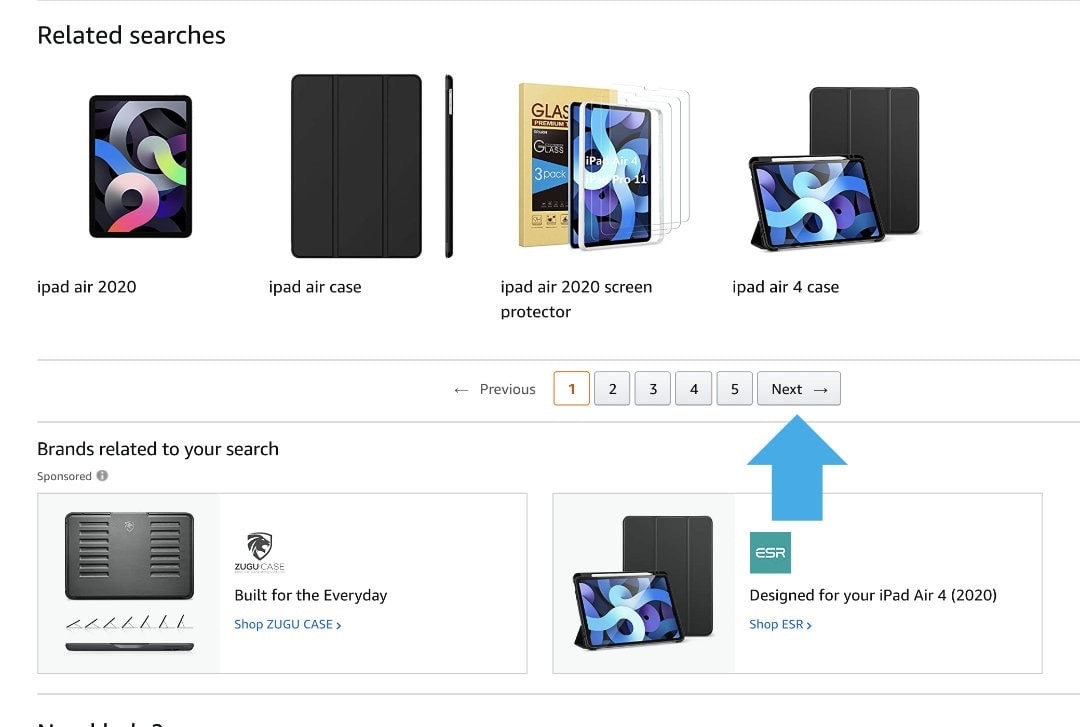
Don’t get disappointed by the limited number of matching products. Simply start looking for interesting items on a list.
When you reach the end of the first page, click on the “2” or “Next” button at the bottom.
The moment the 2nd page of search results loads, you will see the total number of results in the top-left corner.
• • •
Keep exploring. Here are other tips and how-to posts:
- These iPhone camo cases feature uncommon patterns, and come with textures for a more organic look. Great for military enthusiasts, […]
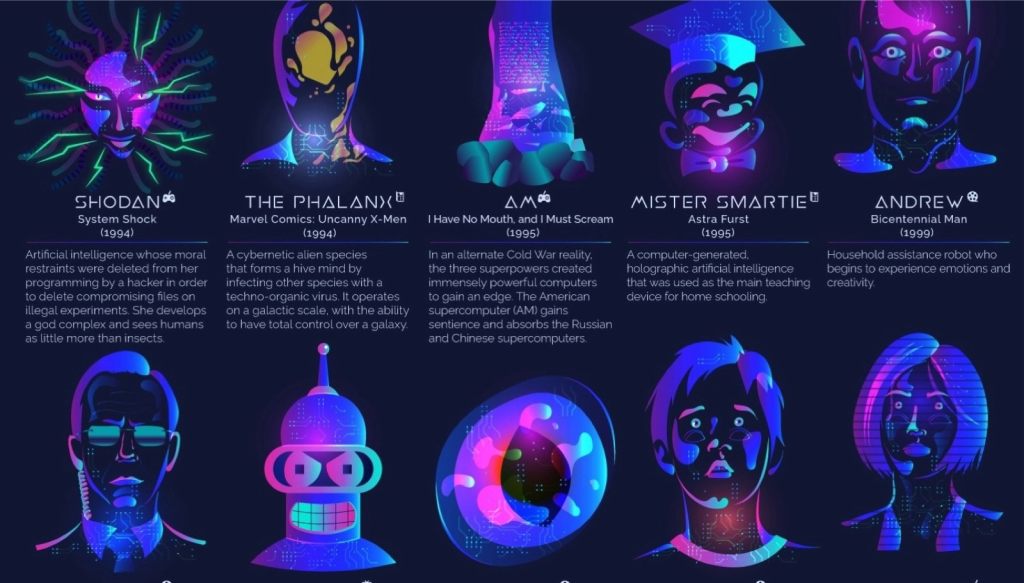
- Take a look at a handy infographic that lists the most famous artificial intelligence instances in pop culture.
- Take a look at tech quotes by Pablo Picasso, Douglas Adams, Stewart Brand, and Northrop Frye that are visualized on […]
- Are you looking for an iPhone case that you could personalize? Most items on the list are compatible with the […]
If you don’t want to miss future updates, make sure to enable email notifications in the comment box below. We are also waiting for you on WordPress Reader, Mastodon, Tumblr, and Facebook. You can also add us to your RSS feed.
If you buy an item via this post, we may get a small affiliate fee (details). We only use the cookies that are necessary to run this site properly (details).



 Geek Updated
Leave a reply to Ali Sy Cancel reply