
Tag: Twitter
-

Musk-have Twitter improvements – my wishlist
An edit button (but on one condition), a setting to disable Spaces and other extra features, a proper way to display large-height images, and ability to show bold text, are at the top of my wishlist.
-
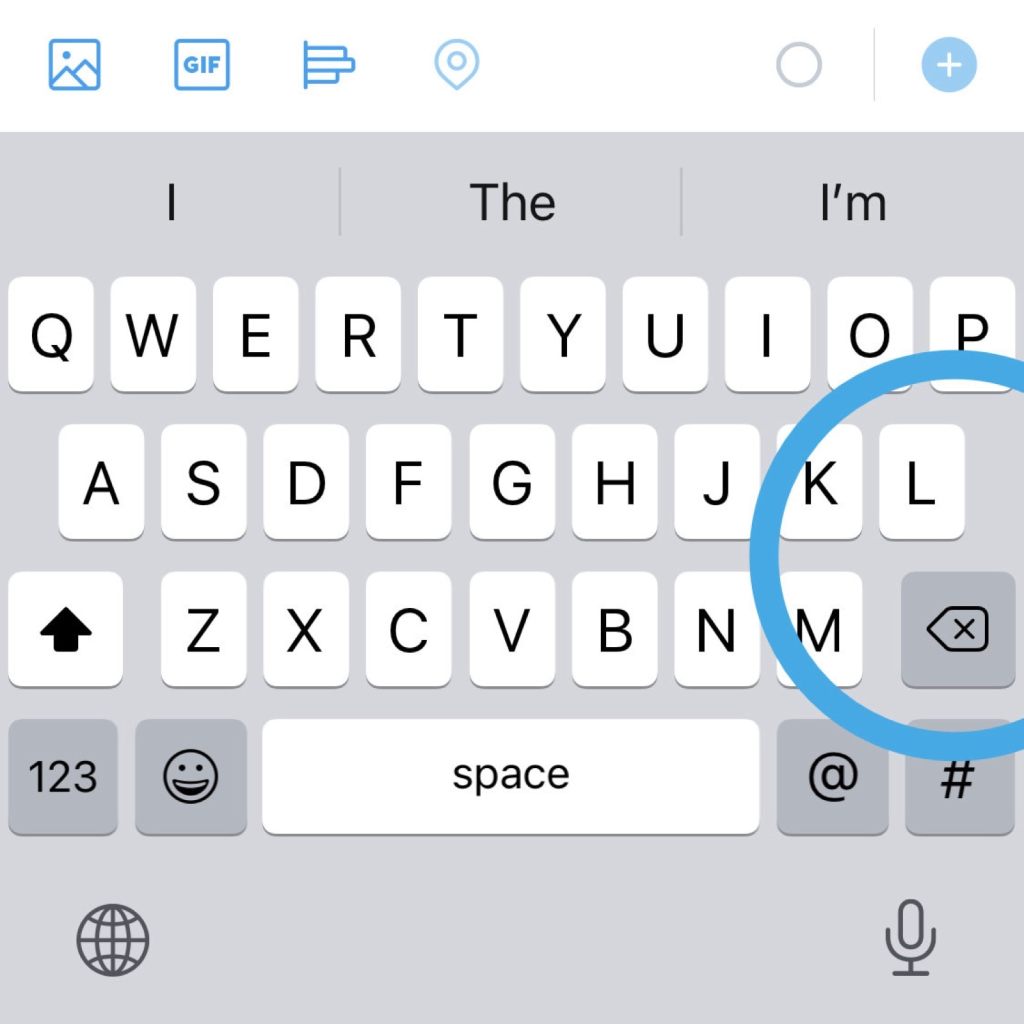
Where is the Return key in the Twitter app for iOS?
1. Tap 123 key in the bottom-left corner of the keyboard. 2. The Return key is located in the bottom-right corner, next to the space bar.
-
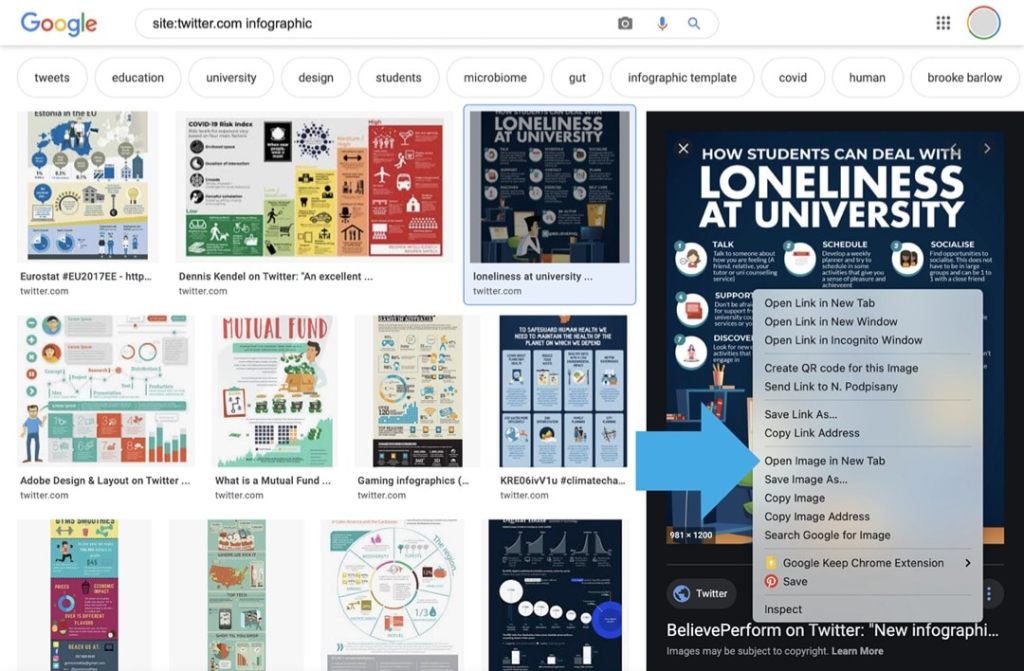
Use Google to easier find images on Twitter
Google image search lets you fix the most irritating things when trying to find images directly on Twitter.
-

How to hide Fleets from Twitter timeline (workaround)
1. Create a list from users you are following. 2. Pin this list to the top. 3. The list appears as a tab in your timeline – without Fleets at the top. Twitter has just introduced Fleets. They are supposed to be a new way to start conversations and “share momentary thoughts”. So far, the…
-

Twitter: how to show a bold font in a tweet screenshot
1. Find the tweet you want to share. 2. Copy the text you want in bold and paste it into a search box. 3. Find the tweet on a list of results, open it, and make a screenshot. Problem So far, Twitter doesn’t offer an option to use bold or italic text in tweets. Some…
 Geek Updated