
Tag: How-to
-
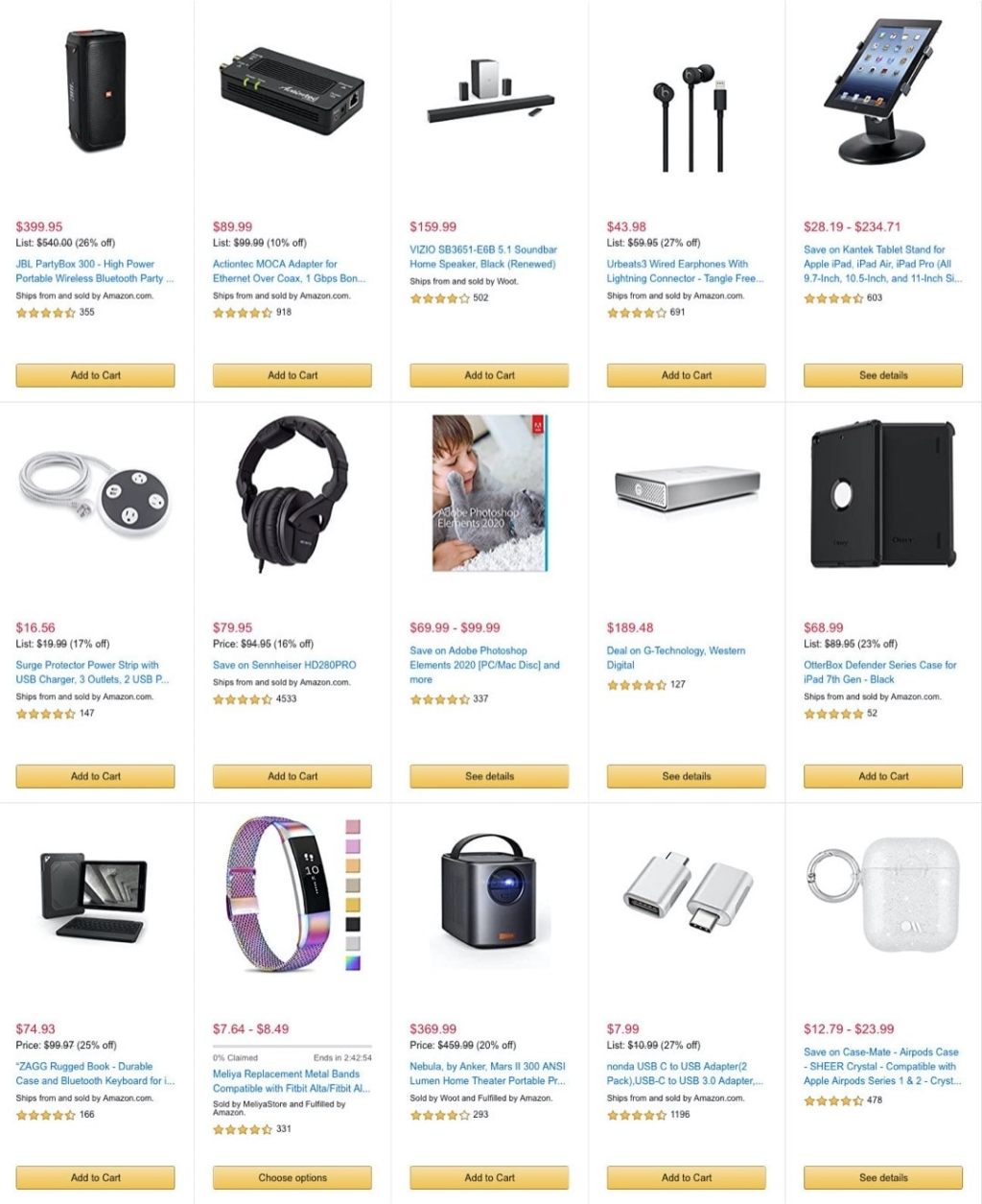
How to find iPad deals on Amazon – three quick ways
1. Go directly to iPad model list and explore prices of specific variants. 2. Search Amazon Gold Box for iPads and iPad accessories. 3. Check out holiday sale in Apple store on Amazon. The biggest benefit of buying an iPad (and all other Apple devices) on Amazon? Prices lower than in Apple stores. You can…
-
Reasons to get Black Friday iPad deals on Amazon (quick guide)
1. Amazon is now an authorized reseller. 2. You may see higher price cuts – expect Black Friday price cuts reaching 25%. 3. You can accessorize like nowhere else – choose from thousands of options not dozens. 1. Amazon is now an authorized reseller Since 2018, Apple is selling all products in an authorized store…
-

How to add own ebooks to Amazon Fire
Here is a quick overview of the most reliable ways to add own ebook files to your Amazon Fire tablet. Which one is your favorite? Please remember that your sideloaded books are available on the Fire tablet in a Docs app, not Kindle Books app. To access sideloaded ebooks on the Fire tablet: 4 ways…
-
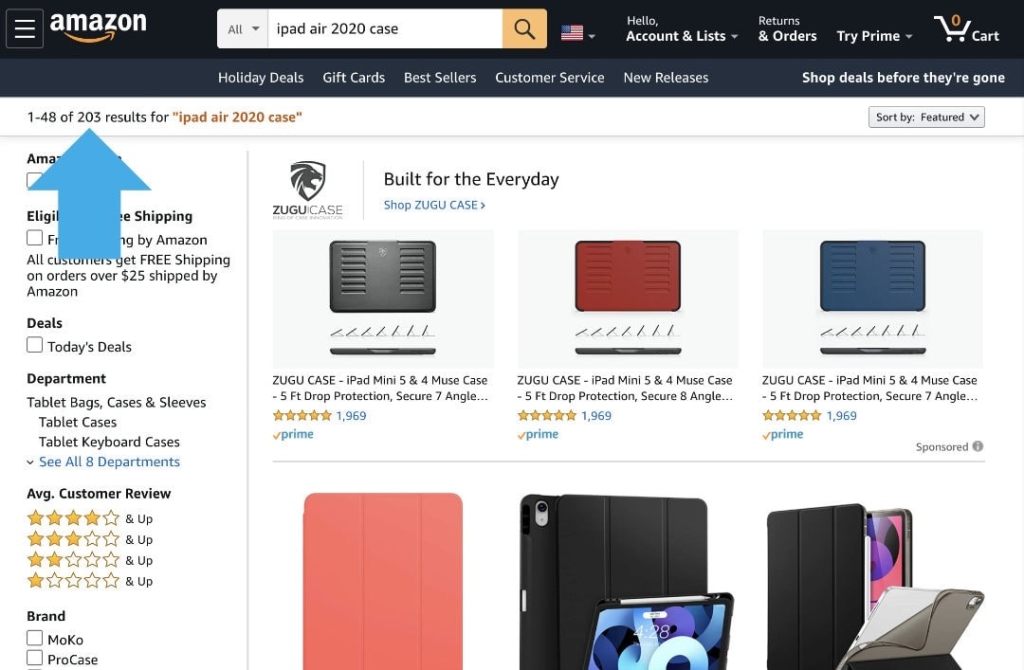
Amazon now displays a limited number of search results – here are 2 ways to fix it
To see all results, click “Sort By” menu and select any other option than “Featured”. You can also scroll down the page and click the Next button. Amazon search results pages – the background When I was looking for new iPad Air 4 cases, I noticed that the number of matching results on Amazon was…
-
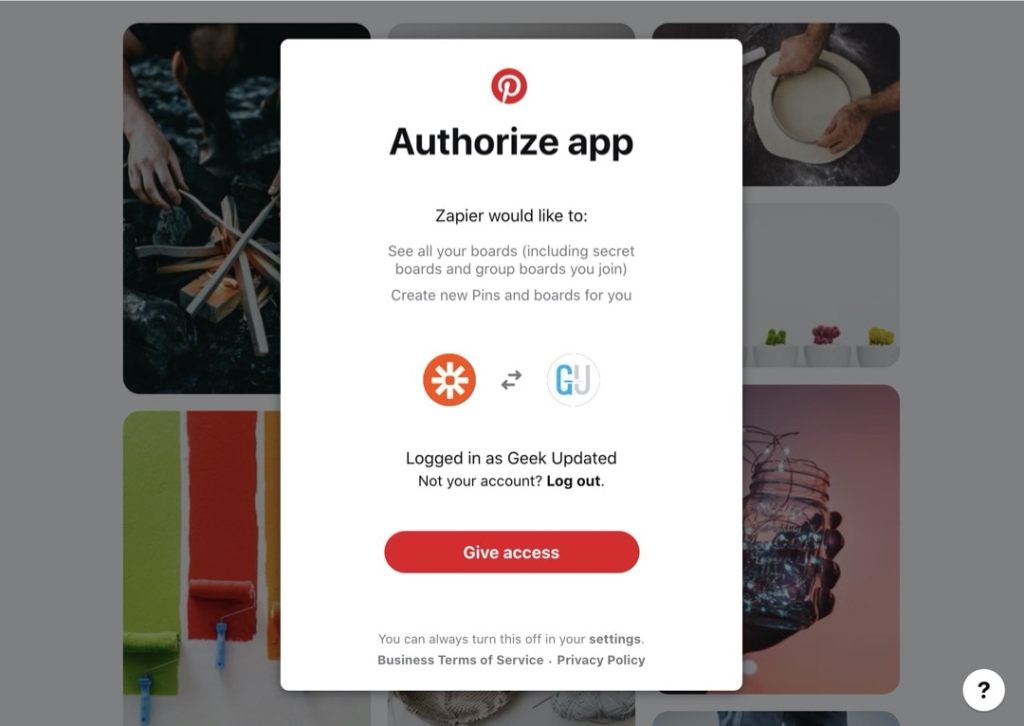
Zapier: it’s time to reconnect your Pinterest account
1. Zapier has just updated the Pinterest authentication method. 2. Reconnect your Pinterest account to make it work with your current zaps. 3. Test all your zaps with the new Pinterest integration. Facts Some Zapier users have been recently experiencing issues with Pinterest integration. The main reason was on the Zapier side: the service was…
-
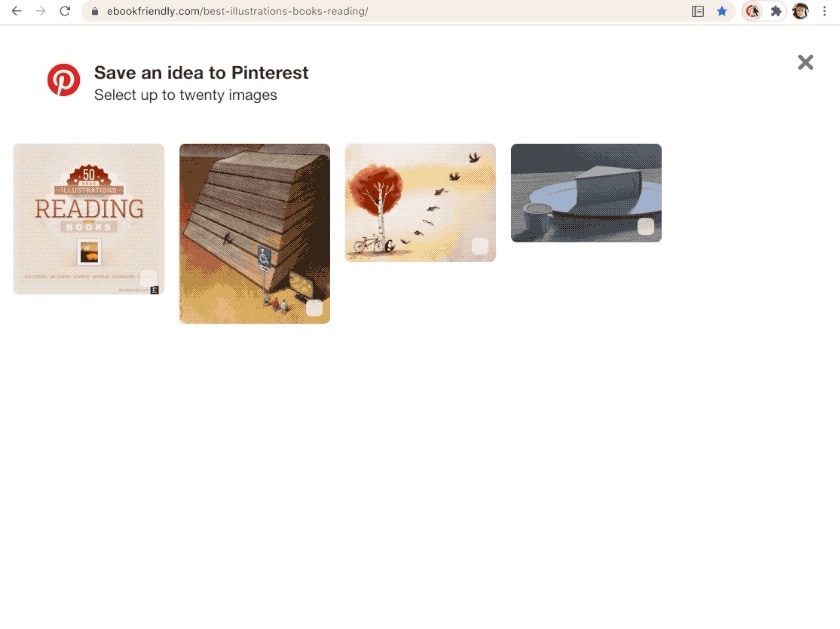
Pinterest Save Button not showing all images on a website? Here is a fix
1. Scroll down the page to load all images. 2. Click on Pinterest Save Button. Problem Are you using Pinterest Save Button extension in your Chrome browser? Have you noticed that on some websites not all images are being loaded into a Pinterest sandbox? The animated gif below shows the problem. The page includes 50…
-
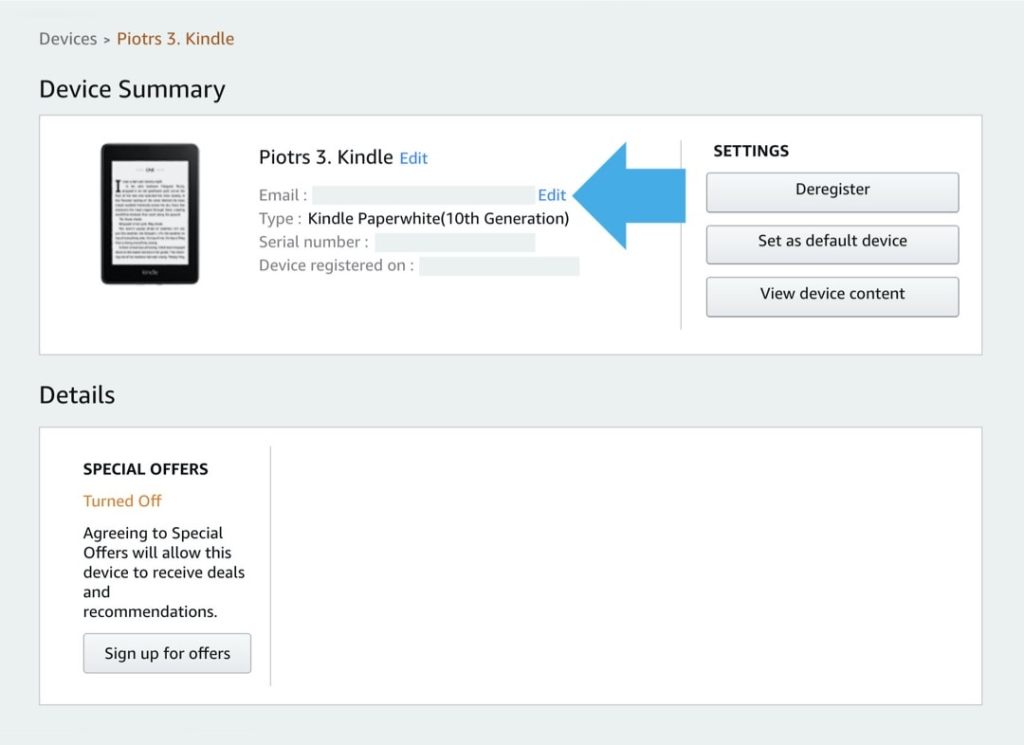
How to find email address to send own ebooks to Kindle
Sending files via email is the most reliable way of adding own ebooks to the Kindle library. You can find the email by going to Amazon » Devices » Your Content and Devices » Device Summary. Do you add many own ebooks to your Kindle or Kindle app? You can try connecting your Kindle as…
-
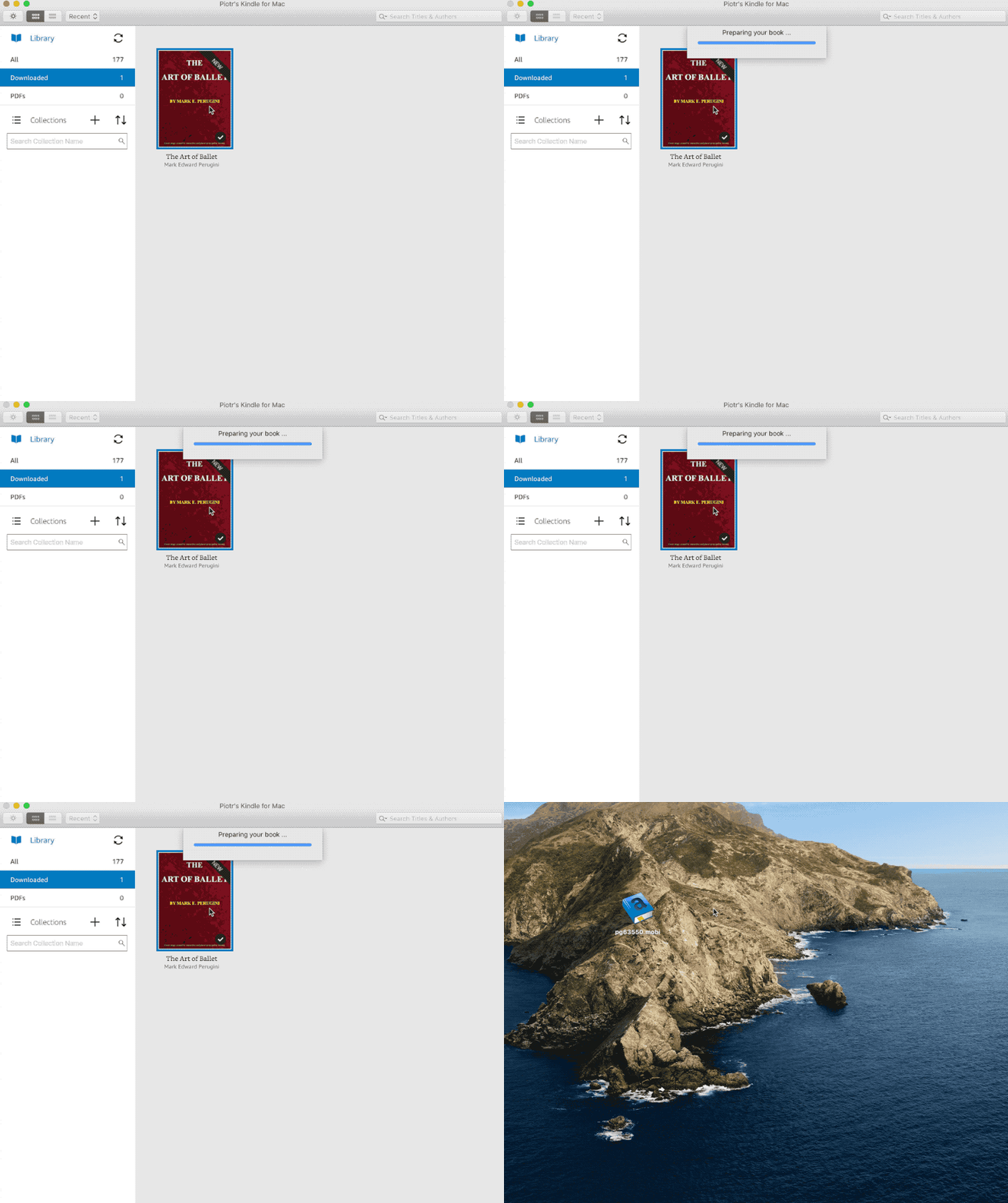
You can no longer use Kindle for Mac app to add own ebooks
1. The app quits when you try to open an ebook downloaded from third-party sources. 2. Files in pdf format are still supported. Problem Kindle for Mac app was one of the ways to add own ebooks to your Kindle library. Since last year, the app is giving users a headache when they try to…
-
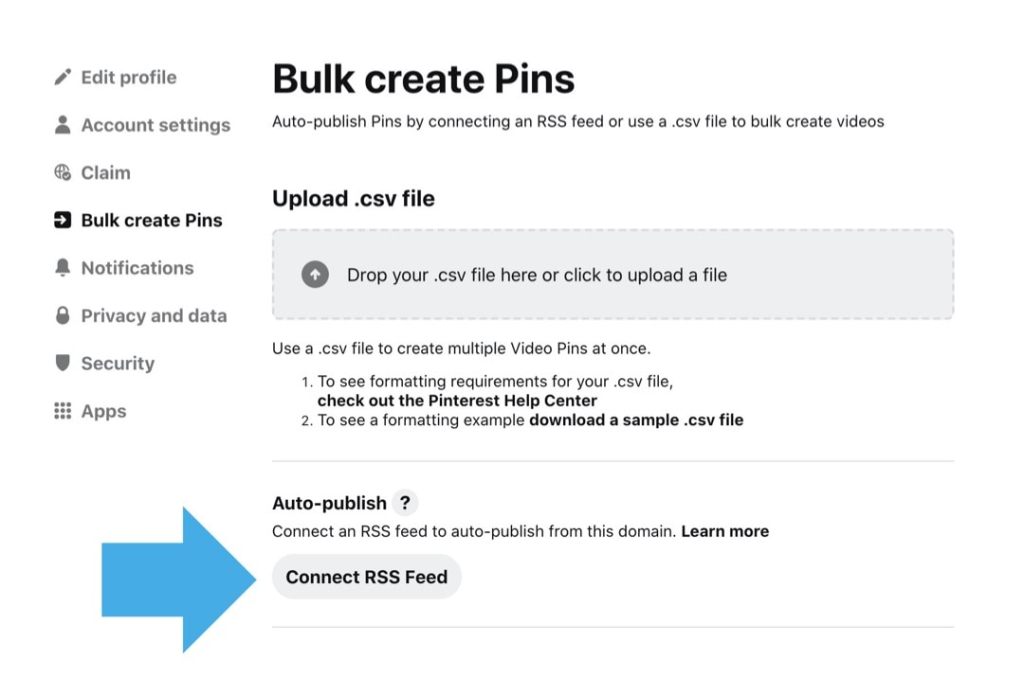
Pinterest: how to publish content using feeds
1. You don’t have to use Zapier or IFTTT to publish content from your claimed domain. 2. You can add several feeds to publish to different boards. If you want to automatically send to Pinterest new content you publish on your website, you don’t have to use automation tools. Pinterest has its own auto-publishing tool.…
-
How to fix Zapier not sending content to Pinterest
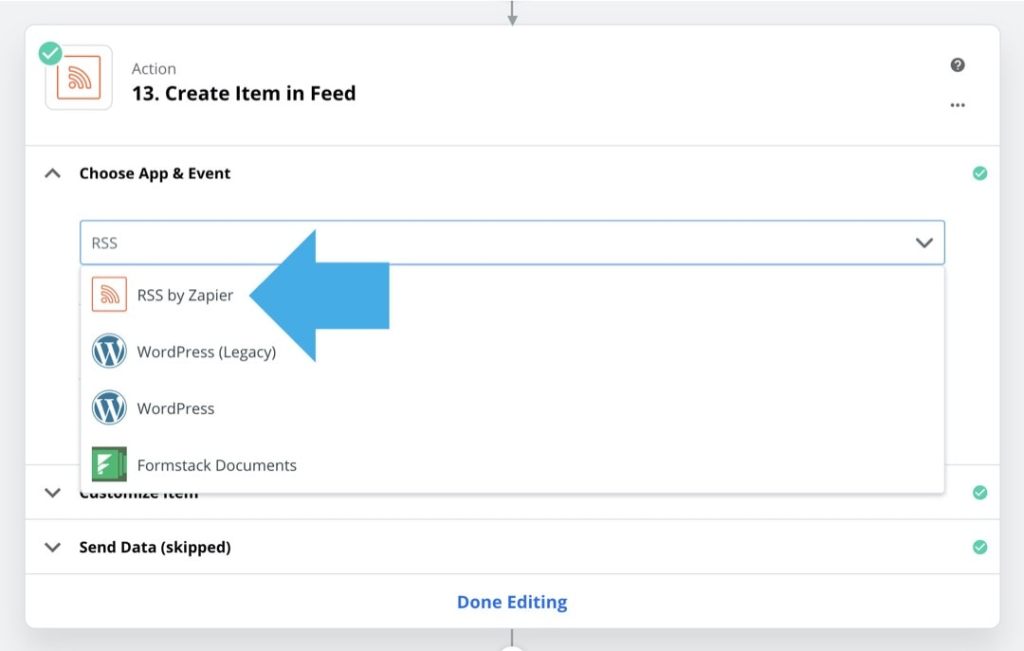
1. Instead of connecting Zapier directly to Pinterest, create a custom RSS feed. 2. Use the feed directly on Pinterest or via other automation platforms. The problem From October 2020, Pinterest returns too-many-requests error message to any unapproved app trying to make a call to their API. If you use Zapier to send content directly…
-
Do you suffer Zapier-Pinterest integration issues? Here are possible reasons
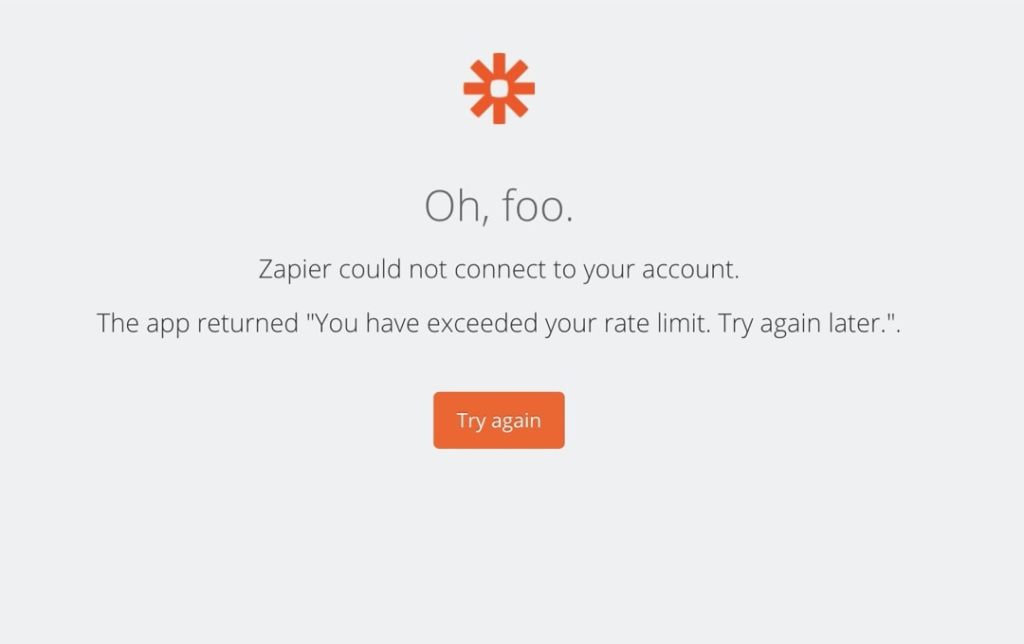
1. Pinterest has updated API – from October 2020, unapproved apps receive a rate limit warning. 2. Zapier is using an outdated authenticated & integration method. Problem If you notice your zaps sending content to Pinterest don’t work any longer, you face the bigger problem that just reconnecting your Pinterest account. When trying to test…
-

How to buy unregistered Kindle on Amazon
1. When completing a purchase, check the box This is a gift. 2. Leave the rest of shipping details unchanged. 3. Make sure you have provided the right shipping address. Amazon devices are usually shipped registered with the credentials of the buyer. This way, you can start using a new Kindle e-reader, Amazon Fire tablet,…
 Geek Updated