
Tag: How-to
-
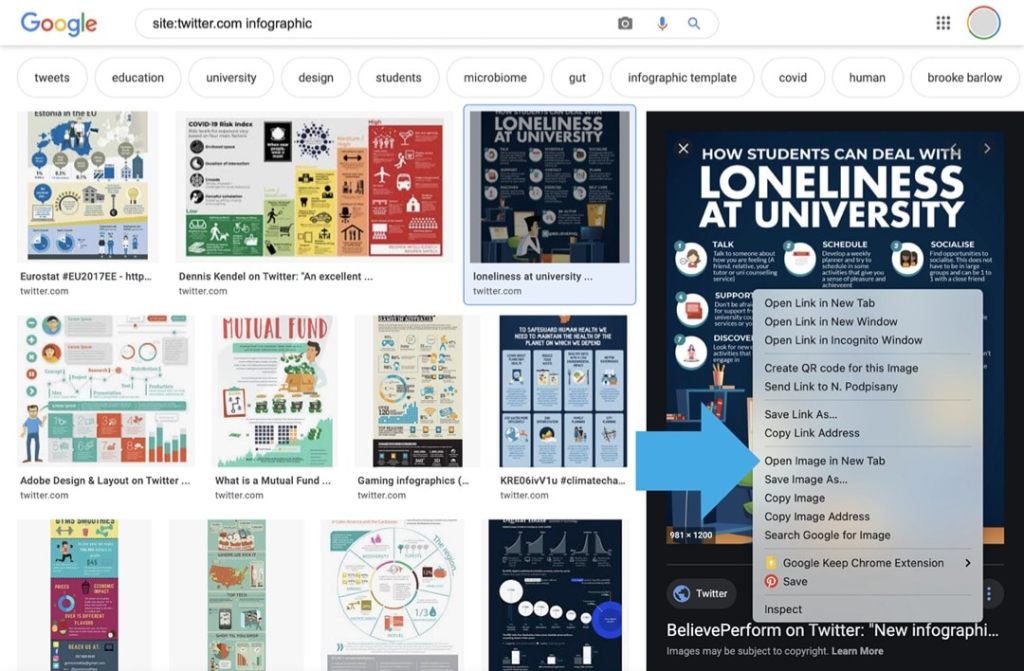
Use Google to easier find images on Twitter
Google image search lets you fix the most irritating things when trying to find images directly on Twitter.
-

How to resize a window on a Mac without an app
You can use two native Mac features to resize windows to half screen or one fourth of the screen.
-

The newest Kindle for iOS app update groups and sorts books from single series
The new update of Amazon Kindle app for iPad and iPhone automatically groups books from one series, and puts them in the right order.
-

Why you should not buy Kindle ebooks using Transfer via Computer option
The downloaded file can only be opened on the selected destination device.
-

You can read Kindle books on your iPad without an Amazon app
It’s a good solution if you have Kindle books in more than one Amazon account.
-

Should I change my Kindle email address?
A unique Kindle email is automatically generated when you register a new Kindle. For security and convenience, you should consider changing the default Kindle email address. Send to Kindle is a special email address that you can use to add own ebooks to your Kindle. It’s created and assigned automatically to any new Kindle device…
-

Kindle email – everything you need to know
Kindle email is a special email address that you can use to send own ebooks to your Kindle. It’s automatically generated when you register a new device or app. Each device has a unique Kindle email address. Kindle email, also called Send to Kindle email, is a popular feature that lets you add your own…
-
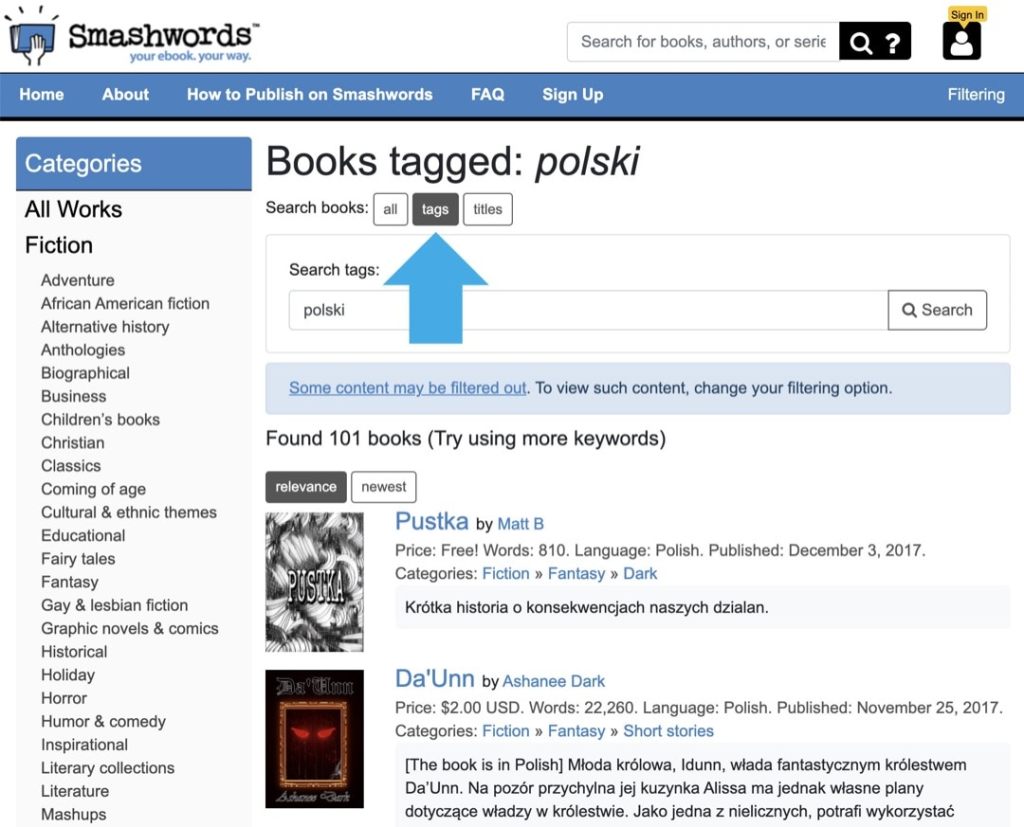
How to find foreign-language books on Smashwords
1. Smashwords offers thousands of foreign-language ebooks, but it’s hard to find them. 2. In the search field, type your language and select “tags”. 3. You will find more books using a special phrase on Google web search. What is Smashwords? Smashwords is a popular ebook platform where you can find ebooks self-published by authors…
-

How to add a page to Favorites in Safari on a Mac
1. Use a shortcut Command+D or click “Bookmarks” in a top menu and select “Add Bookmark…”. 2. In a dialog box, make sure to select “Favorites” under “Add this page to”. Favorites in Safari for Mac – the problem Managing bookmarks in Safari browser for Mac computer is not intuitive. In other browsers, all saved…
-

How to link Audible and Amazon accounts (quick guide)
1. On a computer, go to Audible website and login with your username. 2. Select Account Details » Merge Now, and follow the steps. Since Audible is a part of Amazon ecosystem, it’s: Much easier to shop both Kindle and Audible titles on Amazon. Listen to Audible audiobooks directly on Kindle e-readers. Easier to use…
-

How to hide Fleets from Twitter timeline (workaround)
1. Create a list from users you are following. 2. Pin this list to the top. 3. The list appears as a tab in your timeline – without Fleets at the top. Twitter has just introduced Fleets. They are supposed to be a new way to start conversations and “share momentary thoughts”. So far, the…
-
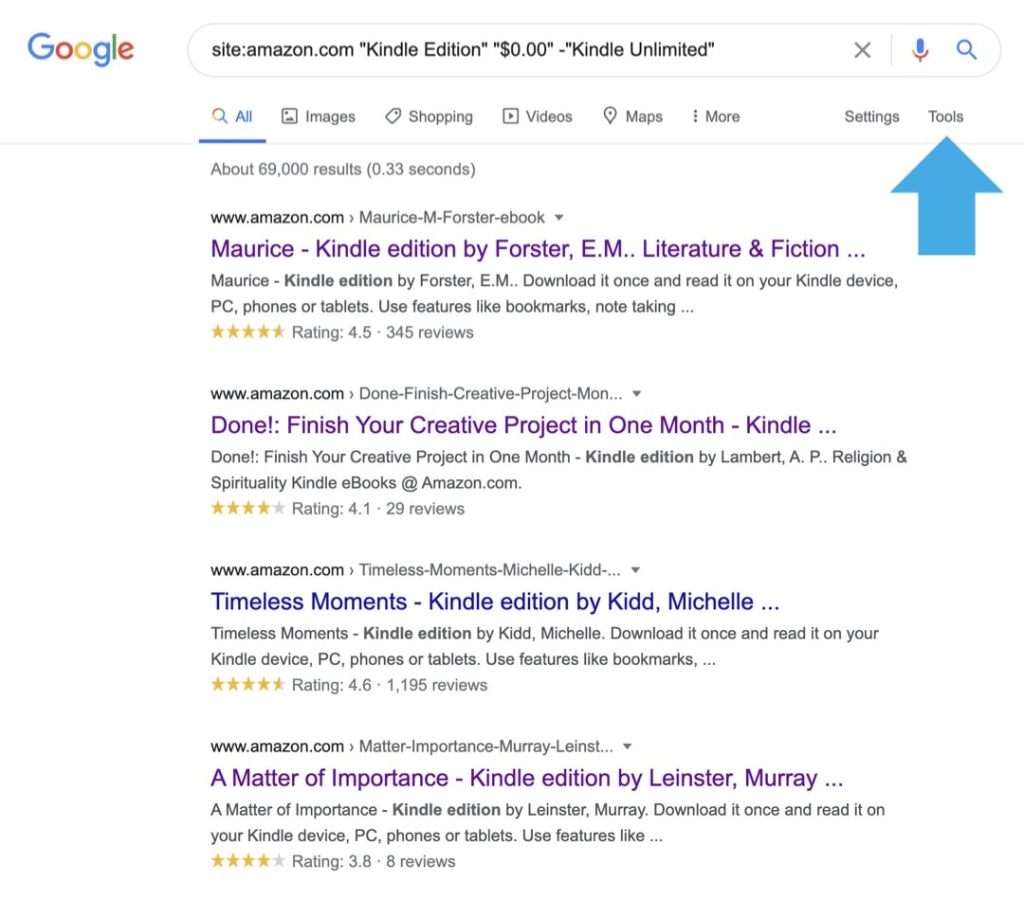
Use Google search to find free Kindle books on Amazon
1. There are thousands of free Kindle books on Amazon, but it’s hard to find them. 2. Use this Google search instead to limit clutter and find most relevant results. Problem Amazon is one of the best sources of free ebooks for your Kindle or Kindle app. The only thing is that it’s hard to…
 Geek Updated