
Tag: How-to
-
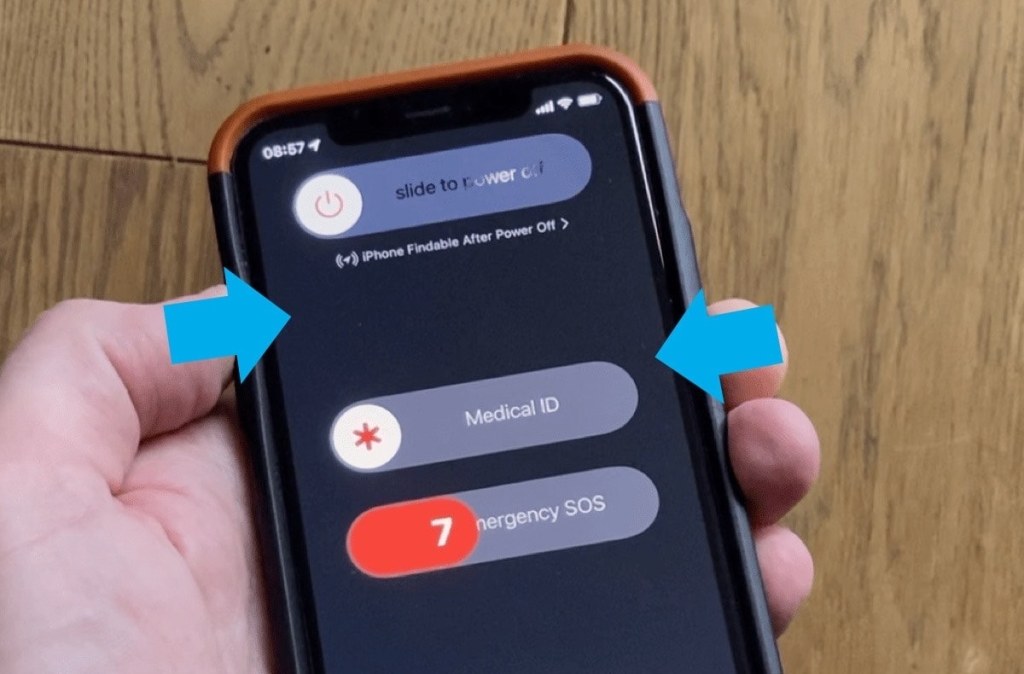
How to call an emergency number if your iPhone’s display is broken
∙ Hold the side button and the top volume button. Keep holding until you hear a countdown sound. ∙ When the countdown ends, your iPhone will dial the phone number set as an emergency contact.
-

How to reuse your old tablet – here are 10+ ideas
Make your old tablet do one thing, and it will do it right. A security camera feed monitor, an offline movie player, a night clock, a kitchen radio – these are just a few ideas.
-

Google Tasks vs. Keep – comparison and tips to use
∙ Use Google Tasks for quick, time sensitive reminders. ∙ Use Keep for the rest of your tasks, reminders, and to-do lists.
-

MacBook sleeve – should I buy it? (checklist)
Go through this quick list of possible reasons to buy a MacBook sleeve, and compare it with your own needs and expectations.
-
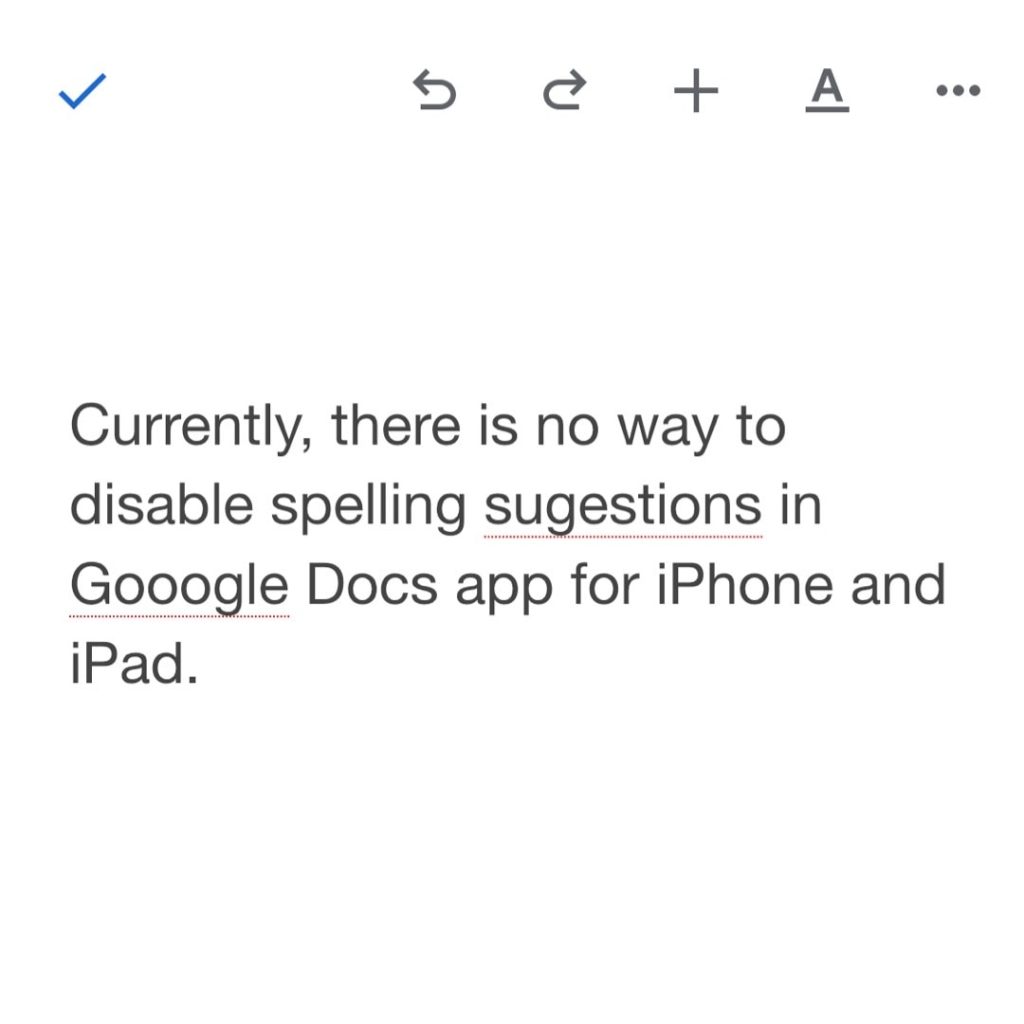
Want to disable spell check in Google Docs iOS app? Read this
∙ Currently, there is no way to disable spell check in Google Docs app for iPhone or iPad. ∙ None of the tips available online are working. ∙ You can send feedback and wait for the app’s update.
-

How to enable Google Docs pageless mode
1. Go to “File” in the top menu, then select “Page setup.” 2. Select “Pageless” tab at the top right of the dialog window. 3. Click on the “Select as default” button for new documents to open in a pageless mode.
-

Is iPad Air 5 compatible with my old case?
∙ The 2022 iPad Air 5 is 100% compatible with all cases made for iPad Air 4. ∙ Air 5 is incompatible with cases tailored for iPad Air 3 and older models. ∙ iPad Air 5 will fit into sleeves made for all previous generations.
-
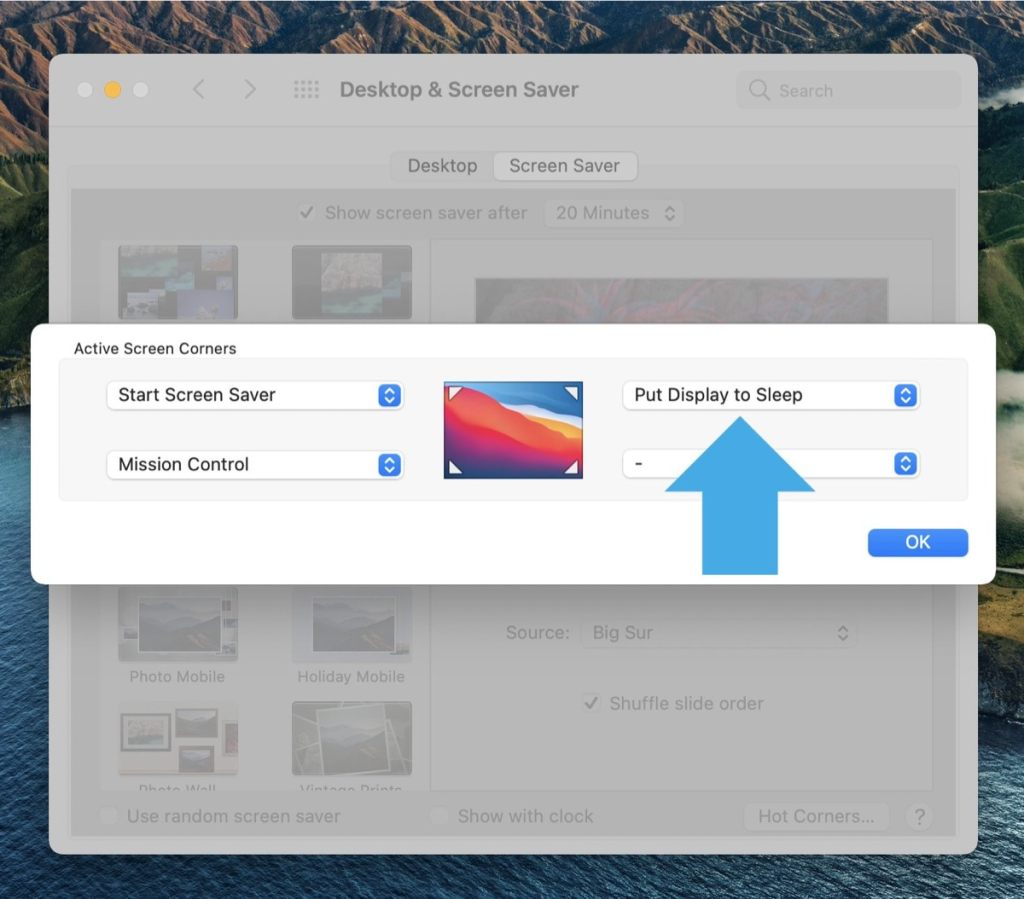
Automatic Dark Mode doesn’t work on your Mac? Here is what to do
• You have enabled automatic theme switching in the System Preferences, but the colors don’t change with sunset or sunrise. • Solution: put the monitor to sleep and wake it up again.
-
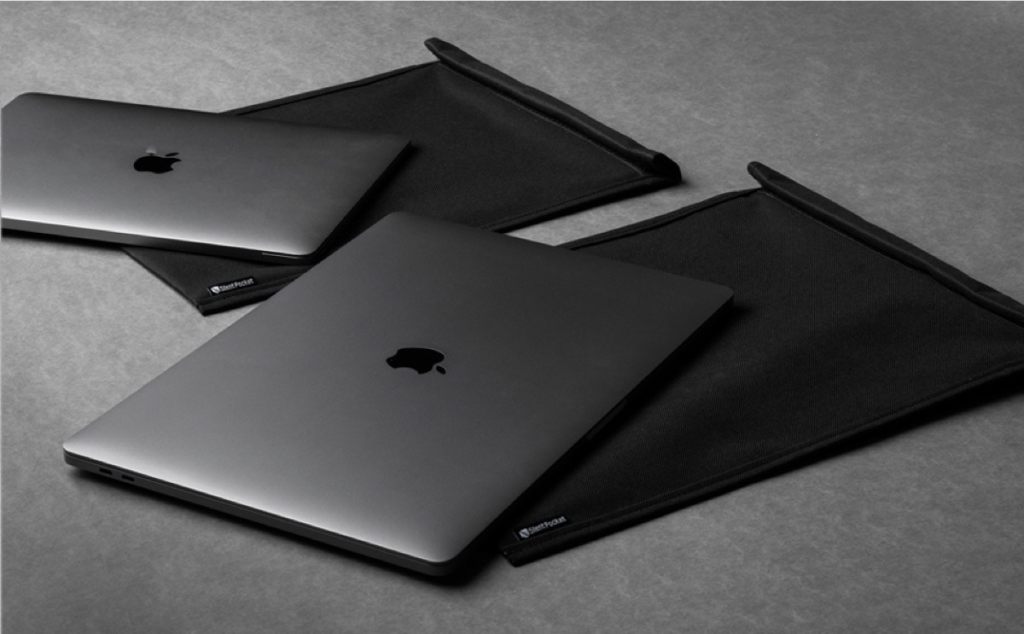
Is a Faraday cage sleeve for MacBook worth it?
• Are you planning to buy a sleeve bag for your MacBook? • Read on to find out whether a Faraday case sleeve could suit you more.
-

Kindle Paperwhite 5 (2021) FAQs – everything you asked about, answered
Here are the most popular Google search phrases related to the new Kindle Paperwhite 5, together with brief answers accompanied by charts, comparisons, and visualizations.
-

Weather widget on iPad – how to change location
• There is no native Weather app for iPad, so there is no way to add multiple locations to check weather. • You can easily change the location displayed in the widget.
-

How to make Notion app open a recent page by default
1. Add to Favorites your recent project or page. 2. Open the url of your main Notion workspace, and it will redirect to the most recent Favorite.
 Geek Updated