
Tag: Ebooks
-
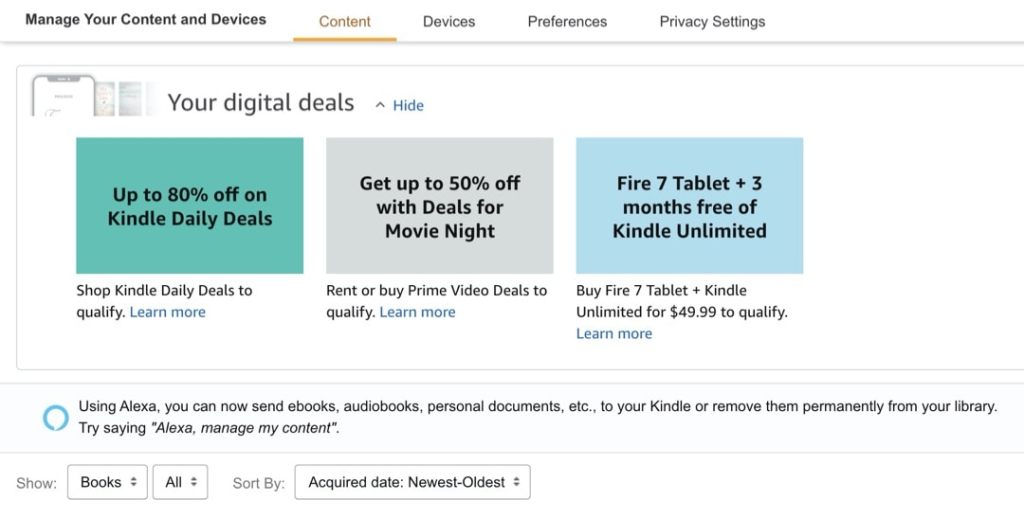
How to check Kindle deals that are personalized for you
1. Visit Amazon website and login with your credentials. 2. Go to Account & Lists » Your Content and Devices. Since 2020, logged-in Amazon customers can see deals on Amazon devices and subscriptions directly in their account dashboard. They are displayed at the top of “Manage Your Content and Devices” section. What are the benefits…
-
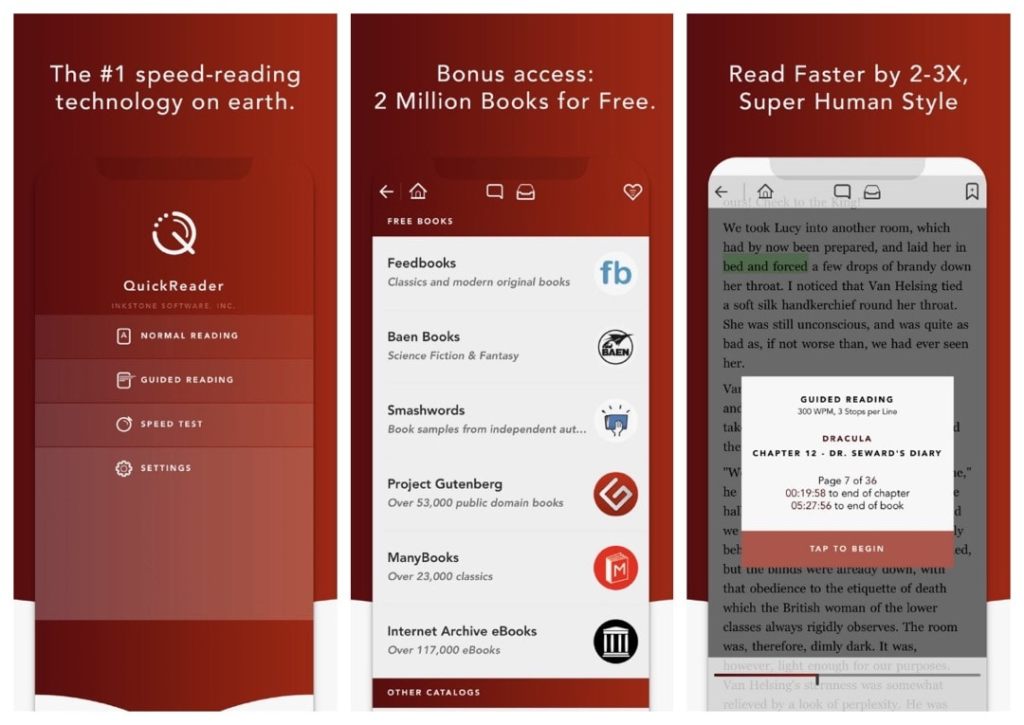
What is the best speed-reading app for iPad and iPhone?
1. You can customize speed reading options and display. 2. The app features built-in access to free public domain books from Project Gutenberg or Internet Archive. Is improving reading comprehension and speed included in your personal development plan? Picking up a dedicated speed-reading app would help achieve this goal. Some speed-reading apps, the ones that…
-
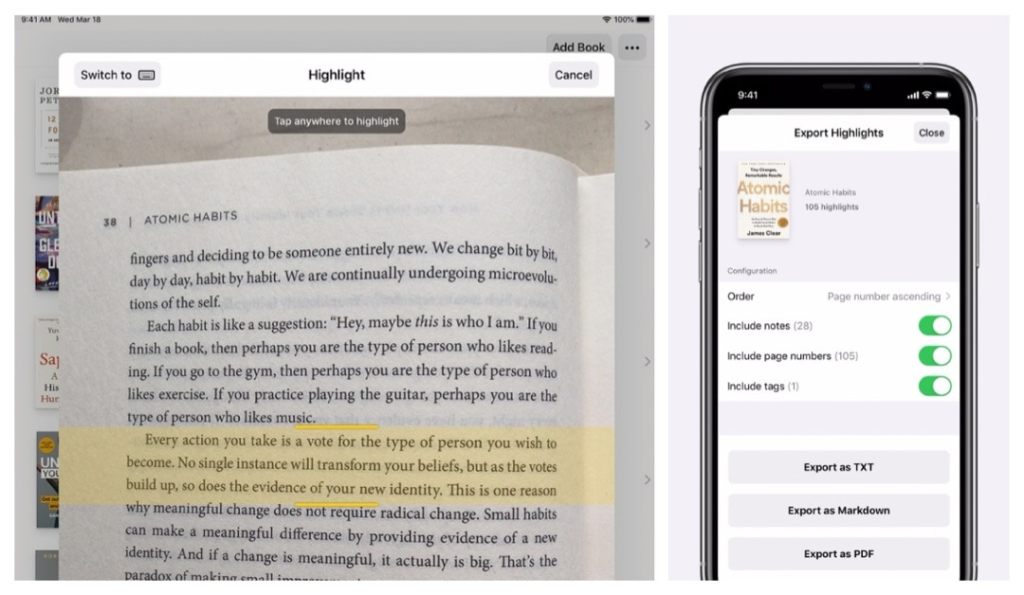
Highlighted app lets you capture and organize parts of your favorite physical books
1. The interface is sleek, distraction-free, and incredibly intuitive. 2. It smartly detects the beginning and end of the excerpt. Highlighted: Book Highlighter is a brand new free iOS app by Damir Stuhec that has already earned a spot in Apple’s “New Apps We Love” section. And for a good reason – with its intuitive, user-friendly…
-
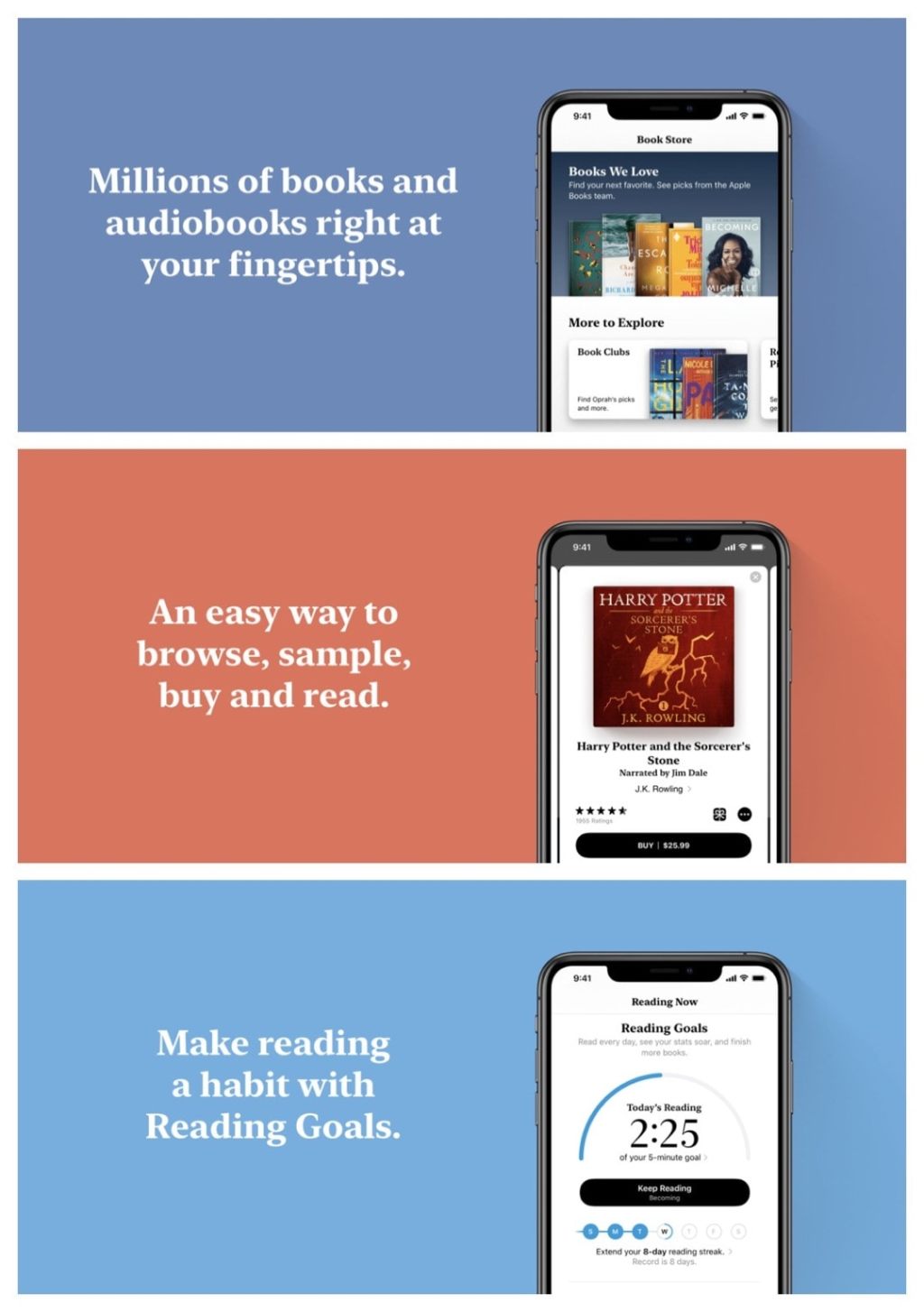
Apple Books is best integrated with iOS – are you using it?
1. It’s the only app for iPad and iPhone inside which you can directly buy ebooks and audiobooks. 2. The automatic theme switcher applies to book reader and library view. Apple’s own book-reading app (previously called iBooks) rarely gets an update. It usually happens with the introduction of the new iOS. However, for anyone who…
-
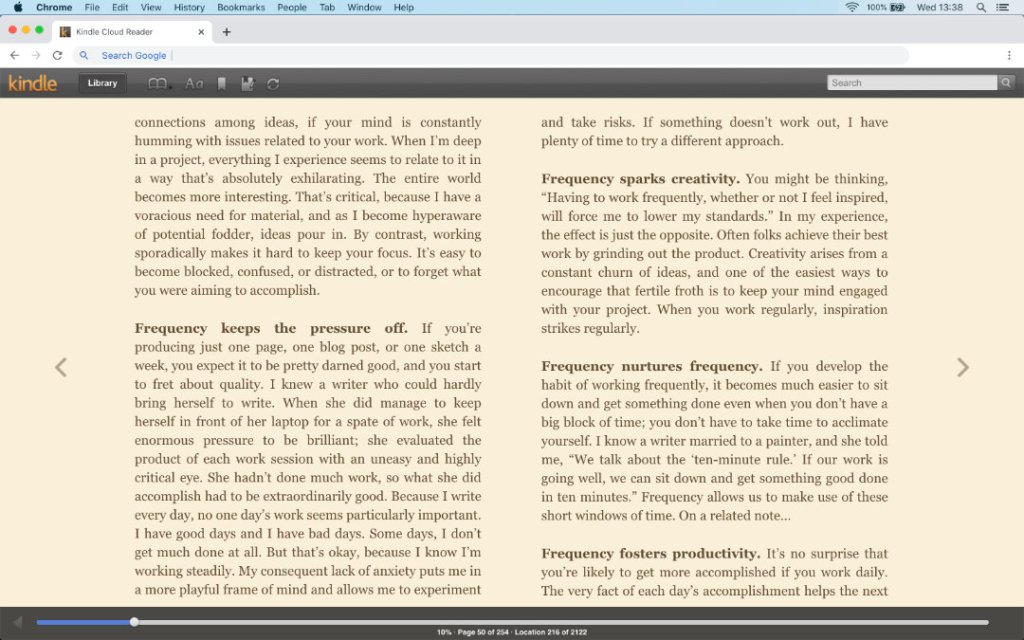
How to read Kindle Unlimited books on a Mac computer?
1. You don’t have to buy an e-reader or tablet to read Kindle Unlimited books. 2. All you have to do it open read.amazon.com page in an internet browser on your Mac. Kindle Unlimited is Amazon’s popular subscription which gives access to over 1.5 million ebooks comic books, and magazines. Once you start your subscription,…
-
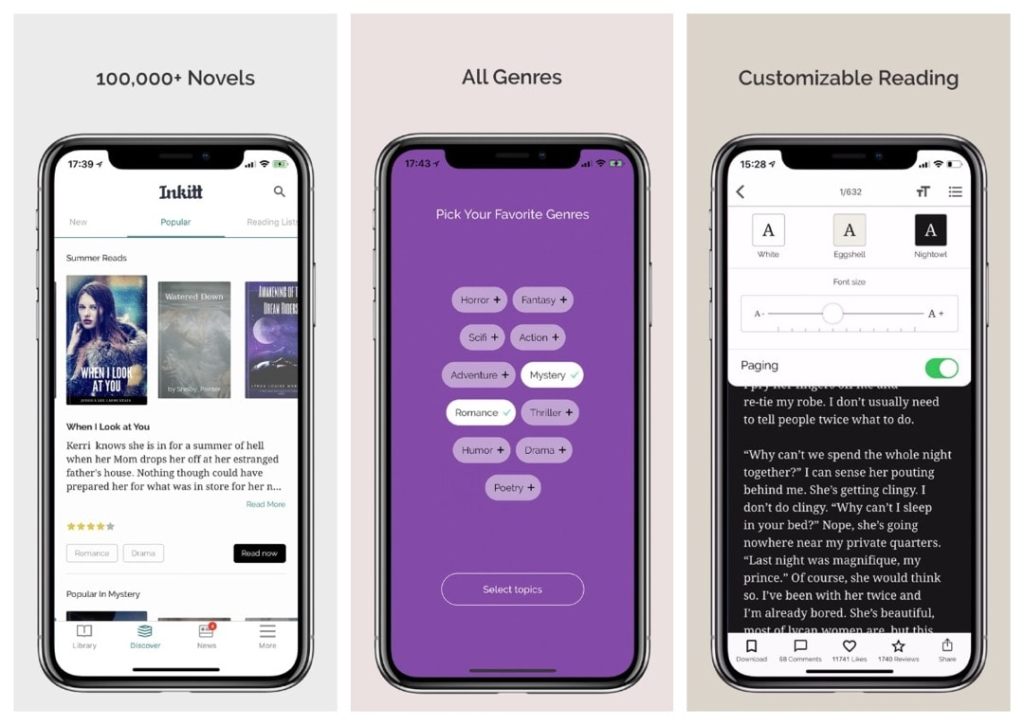
Try Inkitt for iOS to discover and read books from indie authors
The app gives you get direct access to over 100,000 novels and stories from thousands of indie authors. There are several, better or worse, iOS apps that give direct access to free ebooks. The only thing is that most of these books are from the public domain, which means they are classic titles. If you…
-
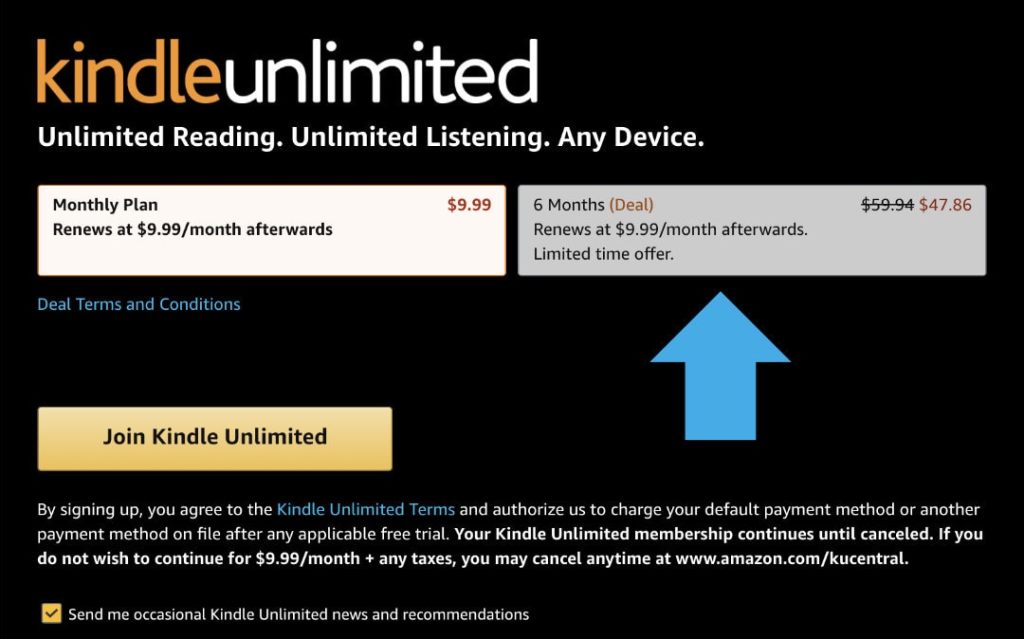
How to reactivate Kindle Unlimited subscription
It’s easy: Go to Kindle Unlimited login page on Amazon, and then sign up for a monthly plan or get a personalized deal on a long-term plan. Kindle Unlimited – things to know Reactivate Kindle Unlimited – the background Many subscription-based digital services don’t provide an option to stop the membership but maintain an account.…
-
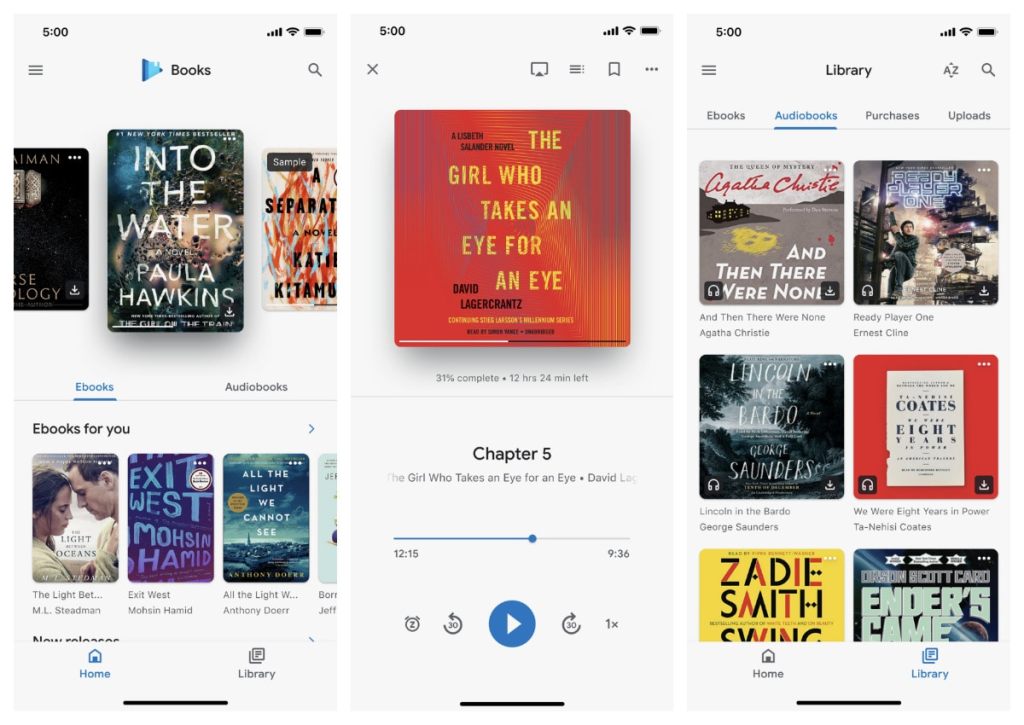
Do you have Gmail? Play Books app is all you need to enjoy ebooks and audiobooks on your iPad
1. Download Google Play Books app from the App Store. 2. Use your Gmail credentials to login in. 3. Start enjoying ebooks and audiobooks. Google Play Books app is a great option to try for everyone who is a dedicated user of Google services or has just switched from an Android-powered tablet or smartphone. After…
-
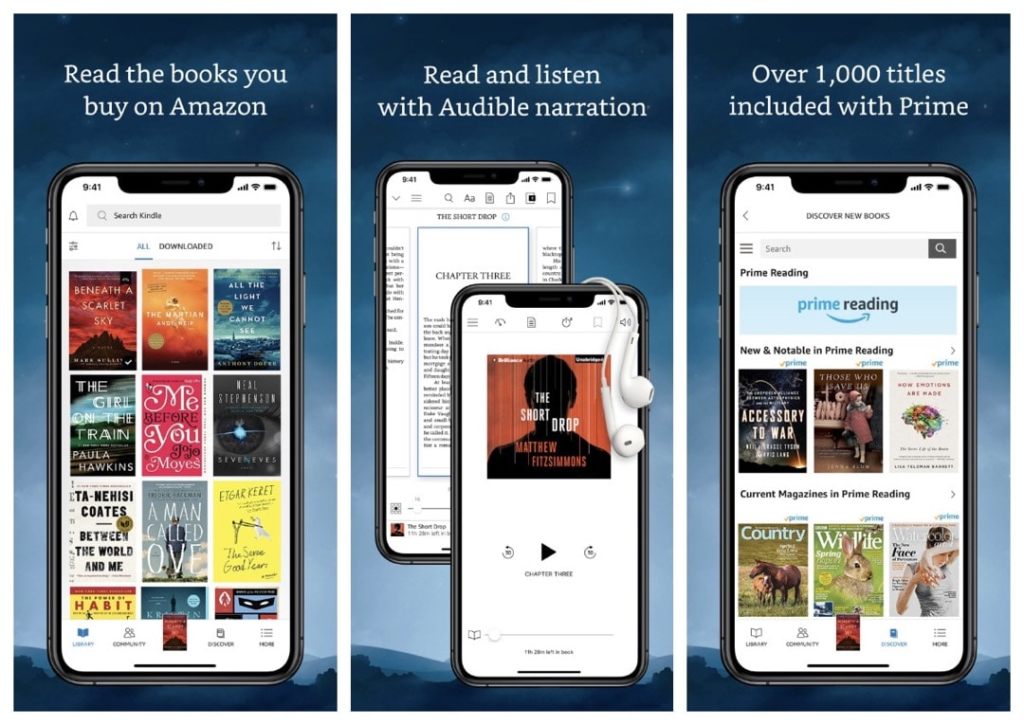
Amazon Kindle is the most advanced book-reading app for iOS
The app offers advanced features, such as X-Ray reference tool, Page Flip in-book navigation, access to library ebooks, or Send to Kindle iOS Share Menu button. Kindle for iOS is one of these iOS ebook readers you have probably tried already. Everyone who owns a Kindle e-reader or Fire tablet downloads this app to the…
-
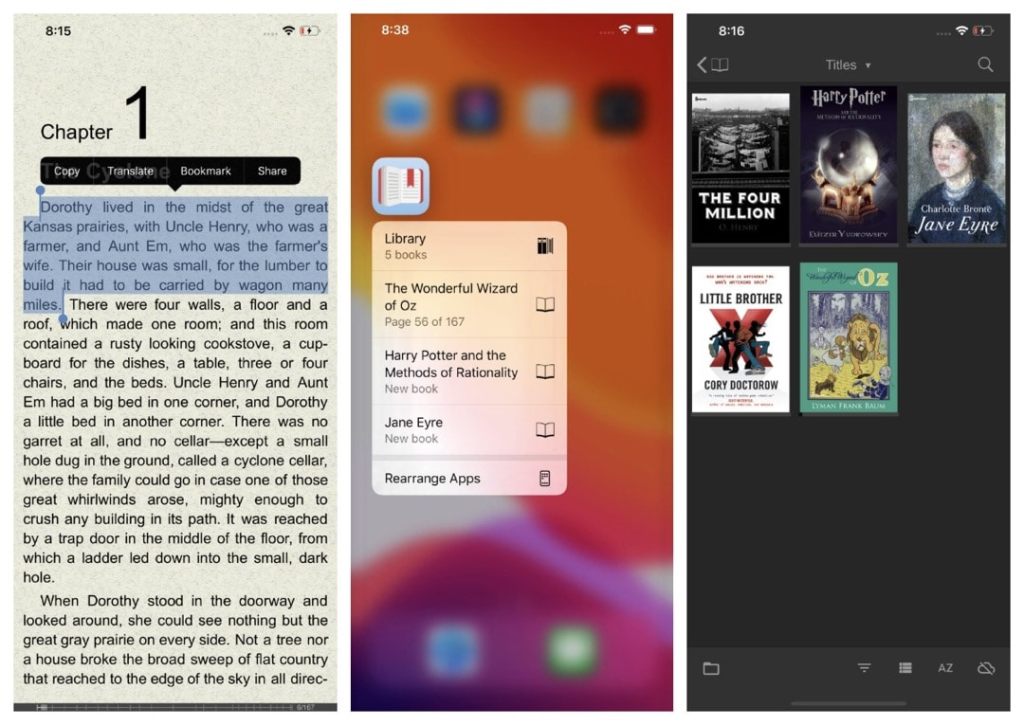
FBReader is the best independent epub and mobi reader for iOS
The most prominent feature of FBReader for iOS is the support for both epub and mobi file format. Many users prefer independent book-reading apps over the ones offered by giant ebook platforms such as Apple or Google. There are lots of book apps offered by independent developers. For a long time, Marvin and Gerty were…
-
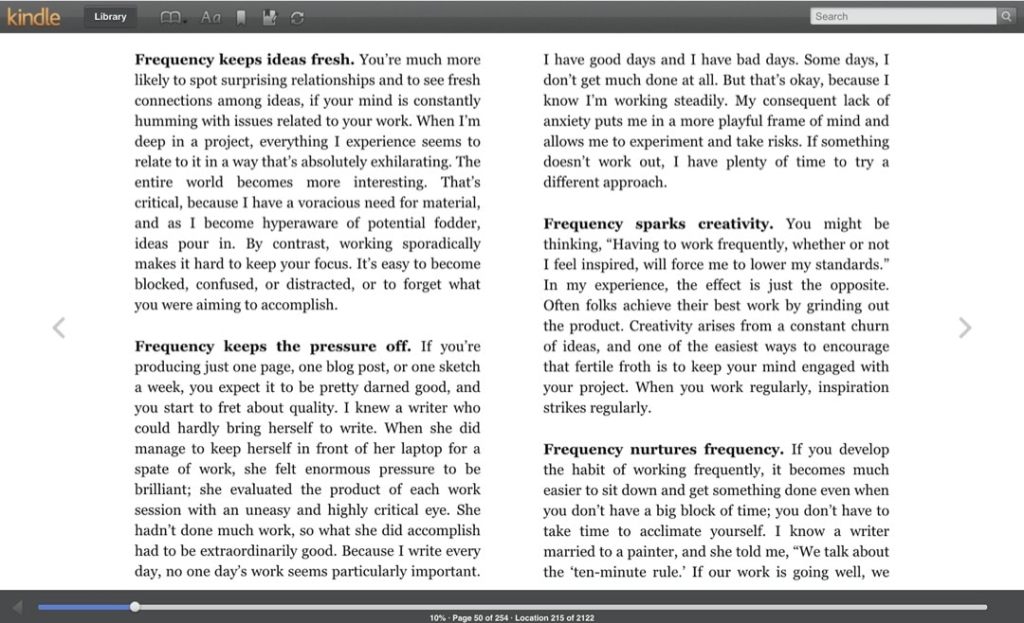
How to read Kindle Unlimited ebooks on a Windows computer?
1. You don’t need an e-reader to read Kindle Unlimited books. 2. Open a browser on your computer, open read.amazon.com webpage and start reading. Kindle Unlimited is a digital subscription from Amazon. It gives access to over 1.5 million ebooks comic books, and magazines. Many Amazon customers get the subscription as a gift but sometimes…
-
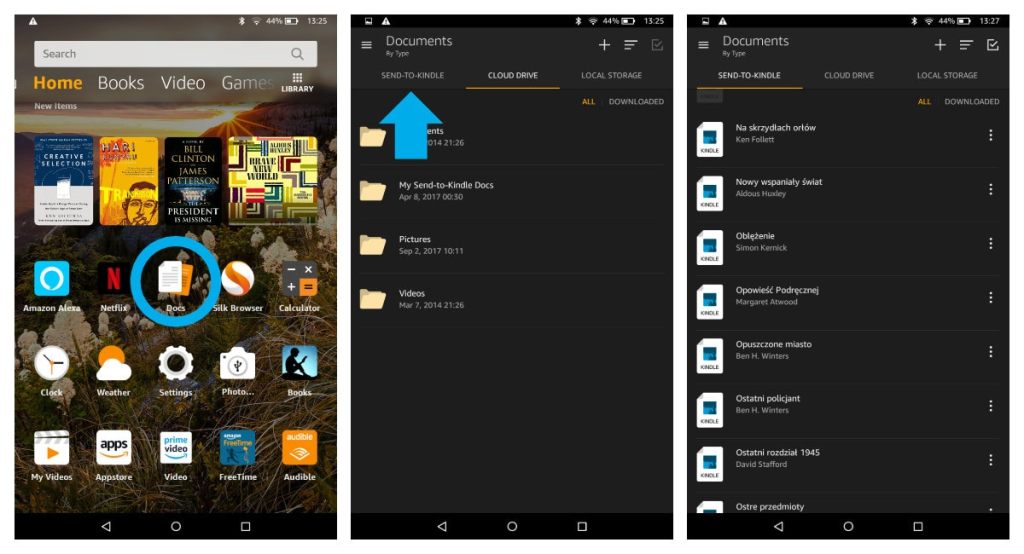
Where are my own books on Amazon Fire tablet?
1. Your sideloaded books are not in the Kindle app. 2. Go to Docs app, and then select Send-to-Kindle option. Background Amazon lets you add your own books to the Kindle or Kindle app by providing a dedicated email that you can send the files to. You can find this email address by going to…
 Geek Updated