
Tag: Applications
-
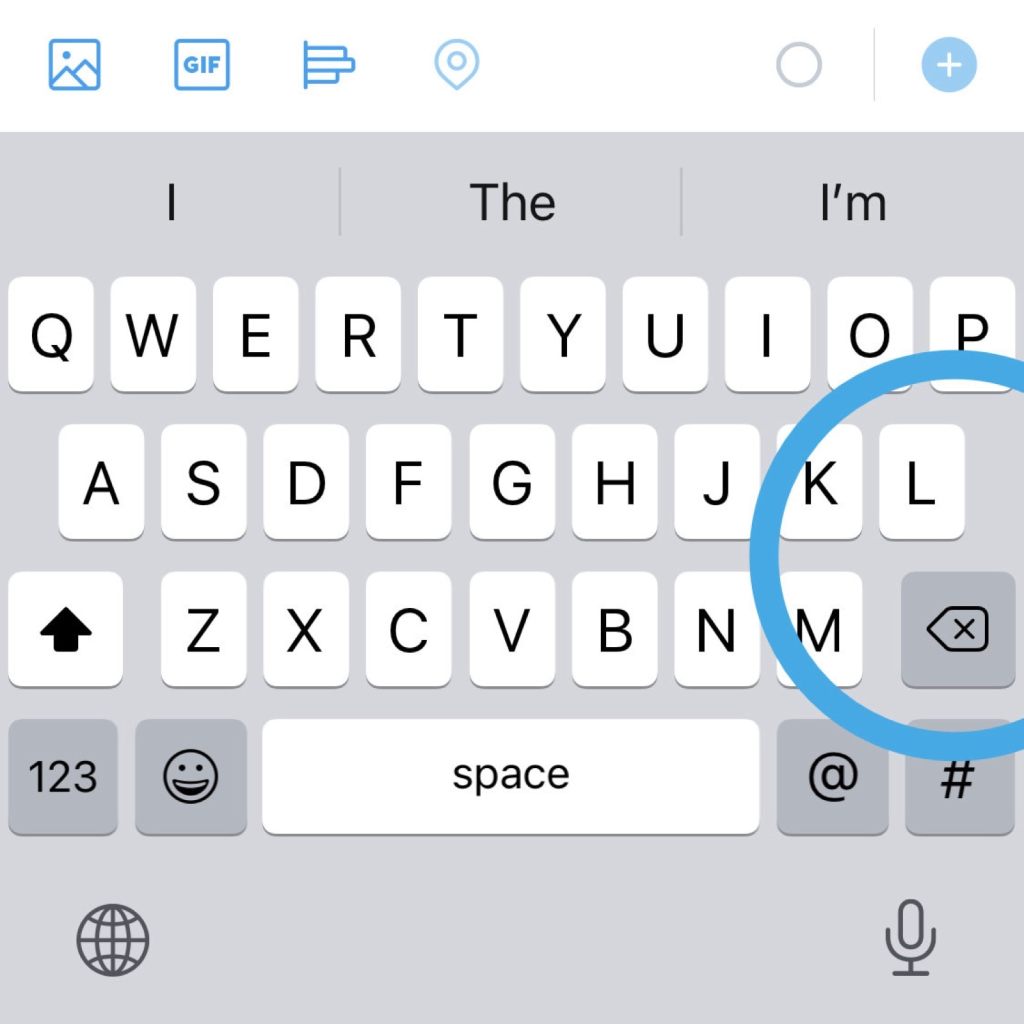
Where is the Return key in the Twitter app for iOS?
1. Tap 123 key in the bottom-left corner of the keyboard. 2. The Return key is located in the bottom-right corner, next to the space bar.
-

How to control theme colors of Kindle app for iPad & iPhone
1. Amazon Kindle app interface colors can be switched automatically with the iOS settings. 2. The theme colors used for Library and Reading are controlled independently – and differently.
-

How to search single artist’s portfolio on Freepik
1. Use the Freepik search box to find matching results. 2. Once you find the right picture, go to its author’s home page and click the Next page button. 3. At the end of the url, type the search query.
-
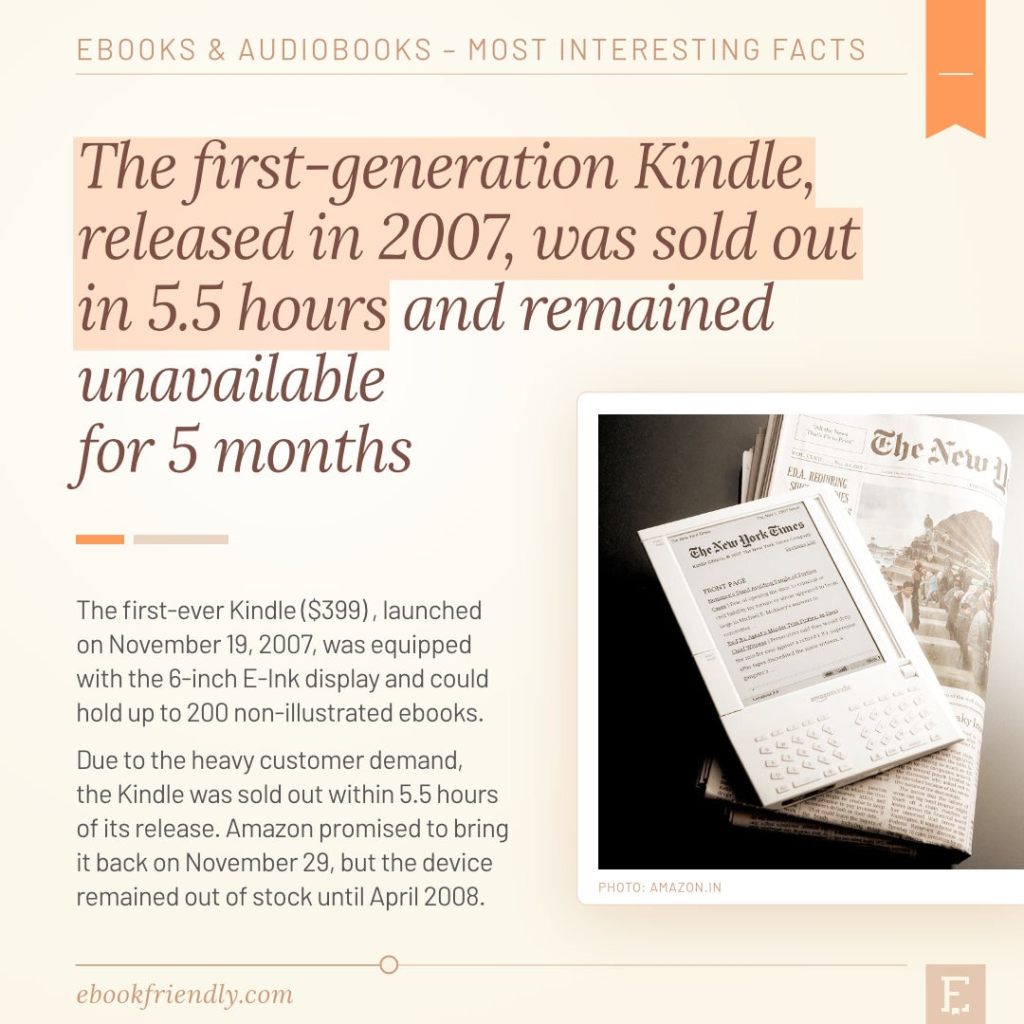
50 years of ebooks – an illustrated history
Here is a list of milestones and most interesting facts from the history of electronic books.
-
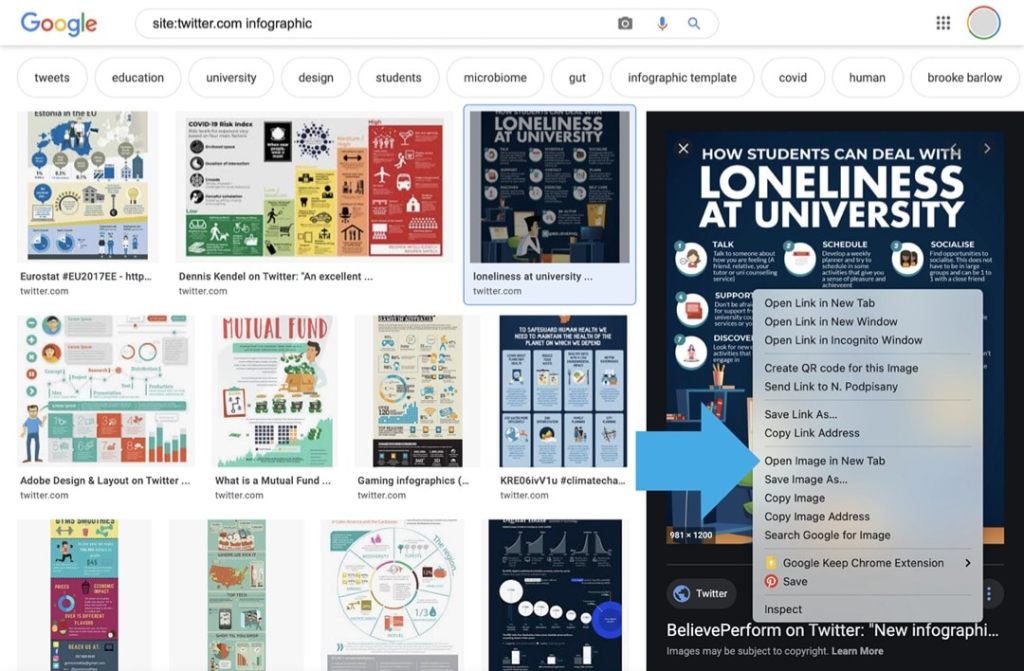
Use Google to easier find images on Twitter
Google image search lets you fix the most irritating things when trying to find images directly on Twitter.
-

How to resize a window on a Mac without an app
You can use two native Mac features to resize windows to half screen or one fourth of the screen.
-

The newest Kindle for iOS app update groups and sorts books from single series
The new update of Amazon Kindle app for iPad and iPhone automatically groups books from one series, and puts them in the right order.
-

Should I change my Kindle email address?
A unique Kindle email is automatically generated when you register a new Kindle. For security and convenience, you should consider changing the default Kindle email address. Send to Kindle is a special email address that you can use to add own ebooks to your Kindle. It’s created and assigned automatically to any new Kindle device…
-

How to add a page to Favorites in Safari on a Mac
1. Use a shortcut Command+D or click “Bookmarks” in a top menu and select “Add Bookmark…”. 2. In a dialog box, make sure to select “Favorites” under “Add this page to”. Favorites in Safari for Mac – the problem Managing bookmarks in Safari browser for Mac computer is not intuitive. In other browsers, all saved…
-

How to hide Fleets from Twitter timeline (workaround)
1. Create a list from users you are following. 2. Pin this list to the top. 3. The list appears as a tab in your timeline – without Fleets at the top. Twitter has just introduced Fleets. They are supposed to be a new way to start conversations and “share momentary thoughts”. So far, the…
-
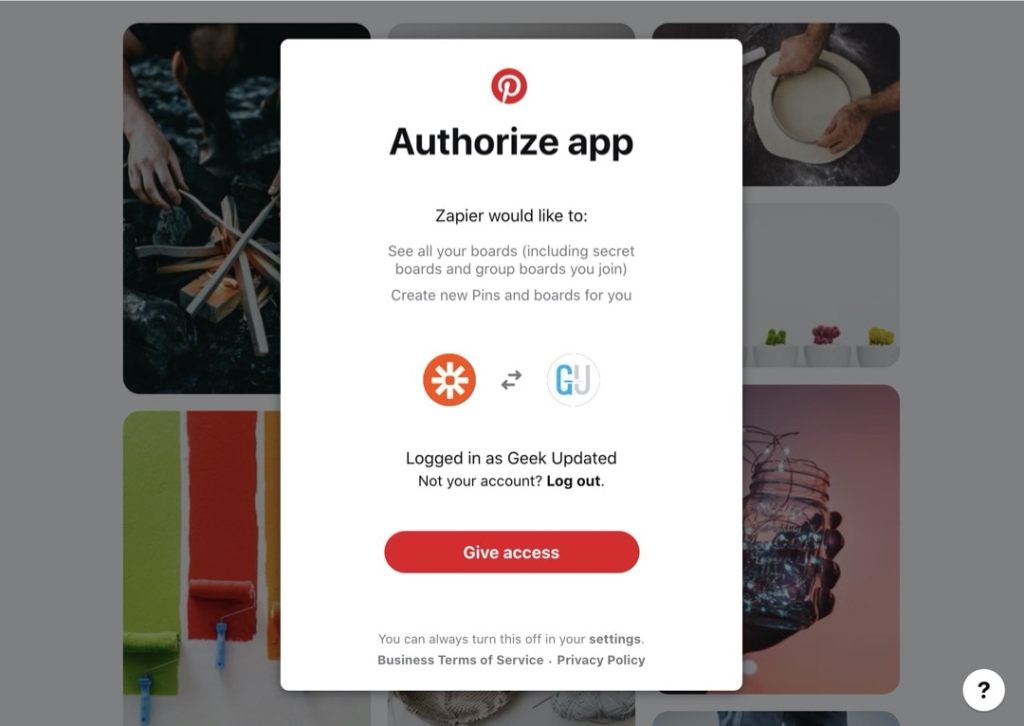
Zapier: it’s time to reconnect your Pinterest account
1. Zapier has just updated the Pinterest authentication method. 2. Reconnect your Pinterest account to make it work with your current zaps. 3. Test all your zaps with the new Pinterest integration. Facts Some Zapier users have been recently experiencing issues with Pinterest integration. The main reason was on the Zapier side: the service was…
-
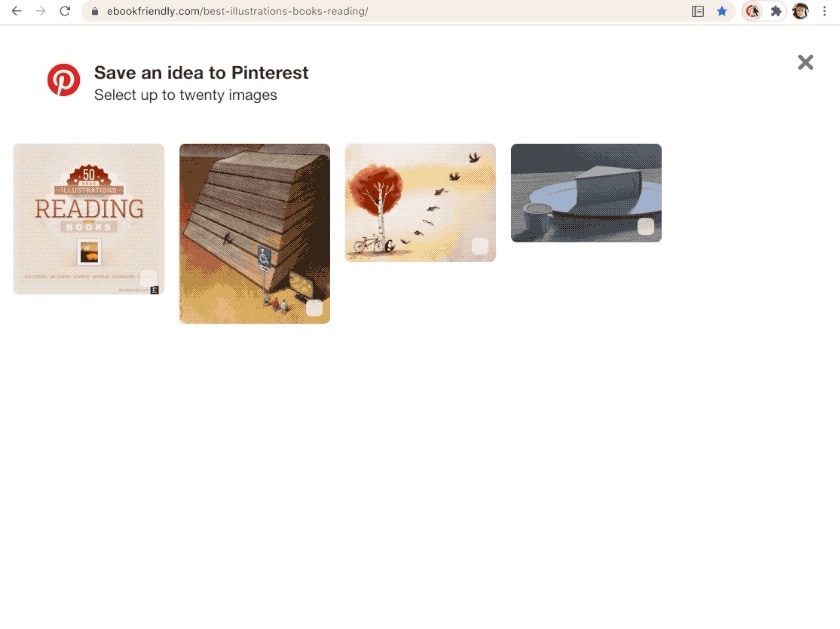
Pinterest Save Button not showing all images on a website? Here is a fix
1. Scroll down the page to load all images. 2. Click on Pinterest Save Button. Problem Are you using Pinterest Save Button extension in your Chrome browser? Have you noticed that on some websites not all images are being loaded into a Pinterest sandbox? The animated gif below shows the problem. The page includes 50…
 Geek Updated