
Tag: Applications
-
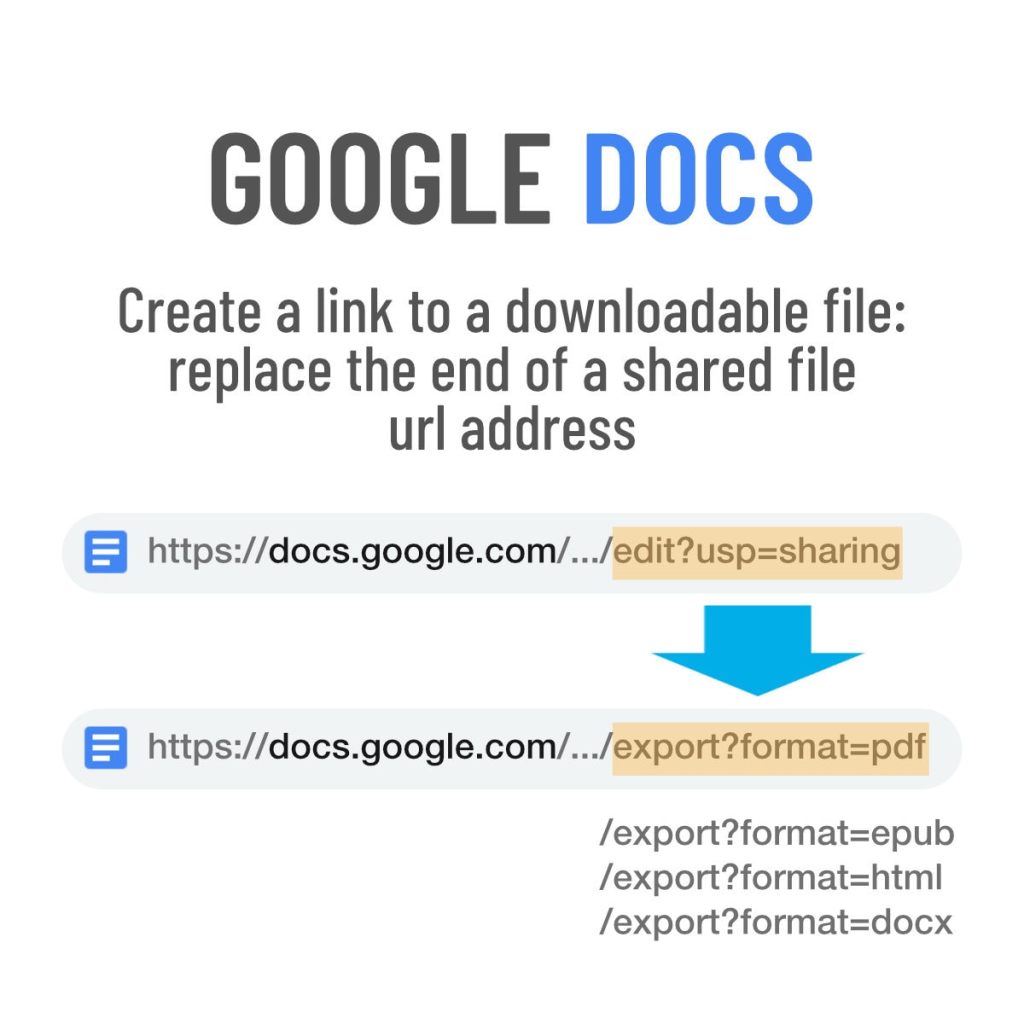
Google Docs: a quick trick to create downloadable files
Copy a share link of the original Google Docs document, and modify its url address to create a downloadable file.
-

Musk-have Twitter improvements – my wishlist
An edit button (but on one condition), a setting to disable Spaces and other extra features, a proper way to display large-height images, and ability to show bold text, are at the top of my wishlist.
-

Google Tasks vs. Keep – comparison and tips to use
∙ Use Google Tasks for quick, time sensitive reminders. ∙ Use Keep for the rest of your tasks, reminders, and to-do lists.
-
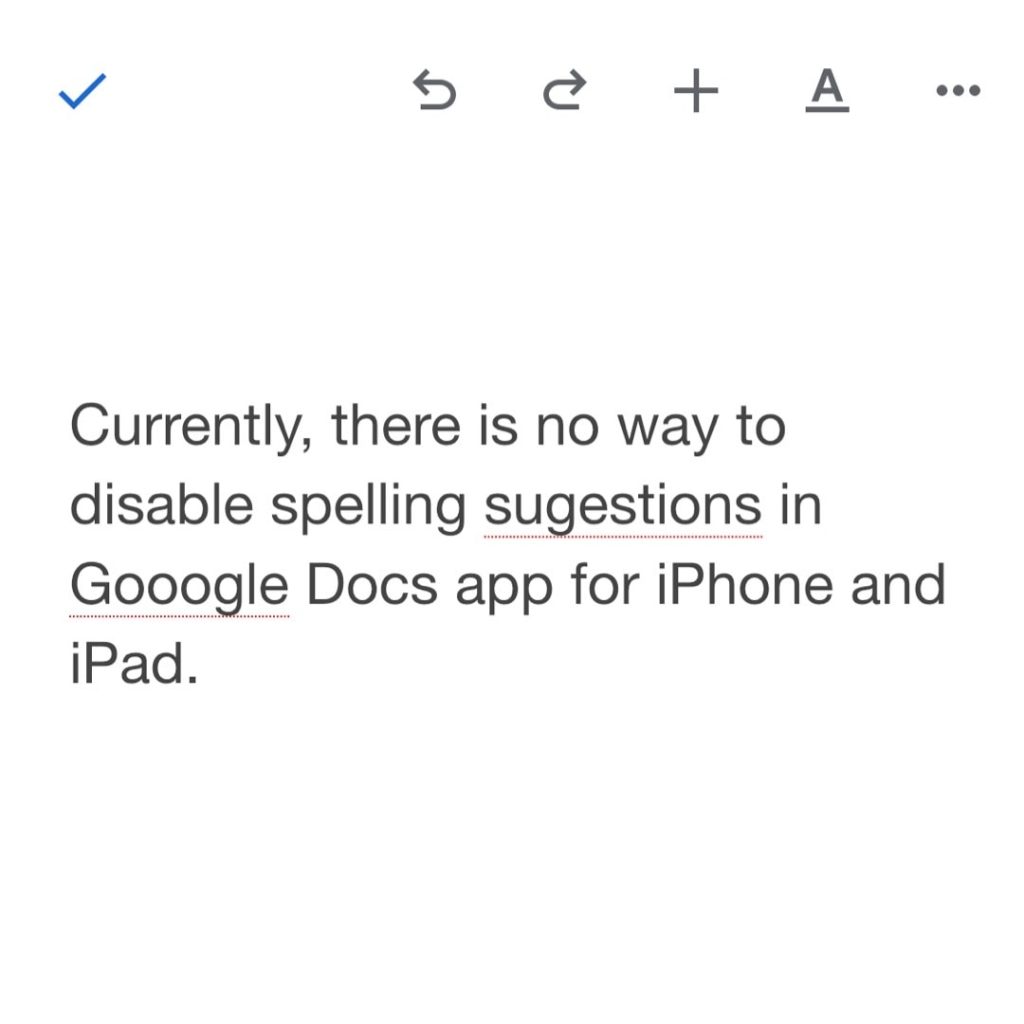
Want to disable spell check in Google Docs iOS app? Read this
∙ Currently, there is no way to disable spell check in Google Docs app for iPhone or iPad. ∙ None of the tips available online are working. ∙ You can send feedback and wait for the app’s update.
-

How to enable Google Docs pageless mode
1. Go to “File” in the top menu, then select “Page setup.” 2. Select “Pageless” tab at the top right of the dialog window. 3. Click on the “Select as default” button for new documents to open in a pageless mode.
-

Confirmed: Google Docs pageless mode is coming to Gmail users as well
∙ Announced in May 2021, the Docs pageless layout was available only to Google Workspace users. ∙ I have confirmed with Google team that the feature will now come to all Google users, both Workspace and Gmail-based.
-
Why I stopped using Notion app and closed my account
Privacy concerns, limited security, problems with basic functionalities, and a plan management bug made me close the Notion account.
-
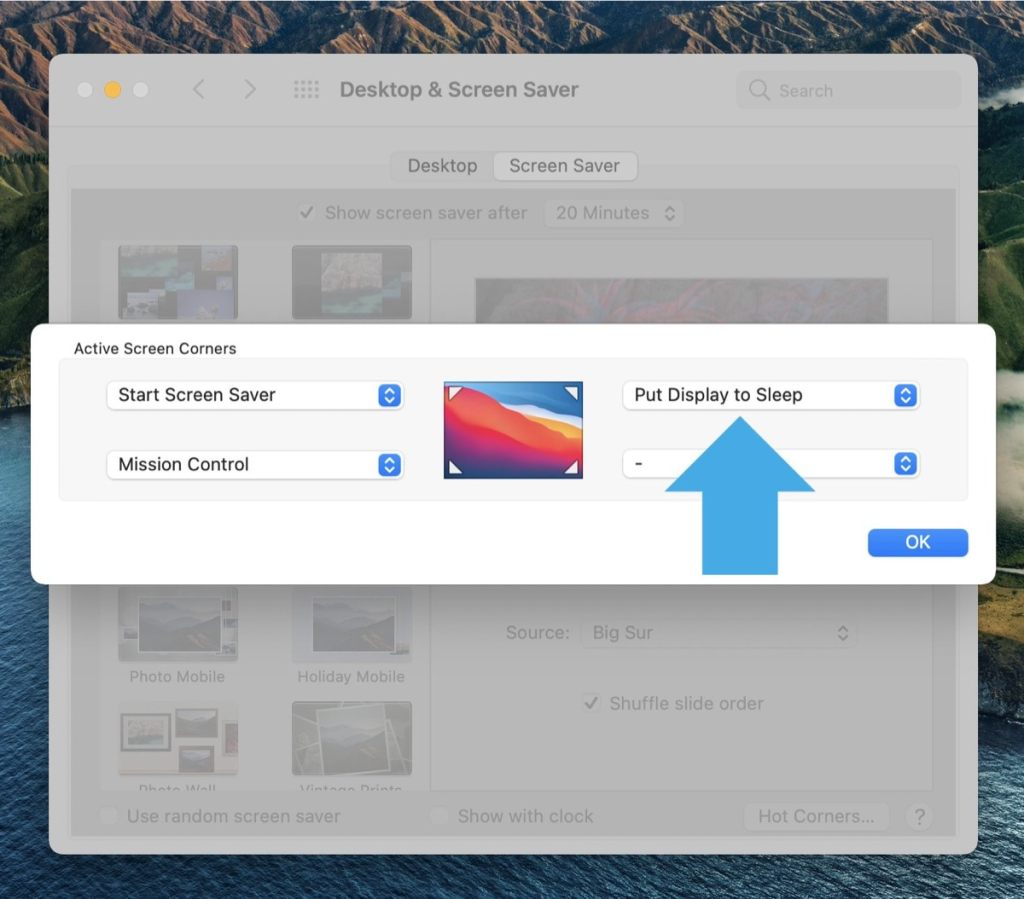
Automatic Dark Mode doesn’t work on your Mac? Here is what to do
• You have enabled automatic theme switching in the System Preferences, but the colors don’t change with sunset or sunrise. • Solution: put the monitor to sleep and wake it up again.
-

Weather widget on iPad – how to change location
• There is no native Weather app for iPad, so there is no way to add multiple locations to check weather. • You can easily change the location displayed in the widget.
-

How to make Notion app open a recent page by default
1. Add to Favorites your recent project or page. 2. Open the url of your main Notion workspace, and it will redirect to the most recent Favorite.
-

Weather app and widget for iPad – things to know
• Every time you tap the Weather widget on the iPad, you get redirected to The Weather Channel webpage in Safari. • It’s because there is no native Weather app for iPad.
-

How to skip Reading List step when adding a bookmark in Chrome
1. When you click on a star to add a bookmark in Google Chrome, a new step forces you to choose between a bookmark and a Reading List. 2. To get rid of the Reading List step, use a shortcut Ctrl+D (Command+D).
 Geek Updated