
Tag: Applications
-

10 best digital planner apps for iPad and iPhone to use in 2023-24
Plan your daily tasks and big goals with these versatile, powerful digital planner apps compatible with iPad and iPhone.
-

The history of word processors before Google Docs (infographic)
Nowadays, with the user-friendly software such as Google Docs, MS Word, or Apple Pages, the primitive word processors with their clumsy interfaces and restricted functionalities would be met with shock.
-
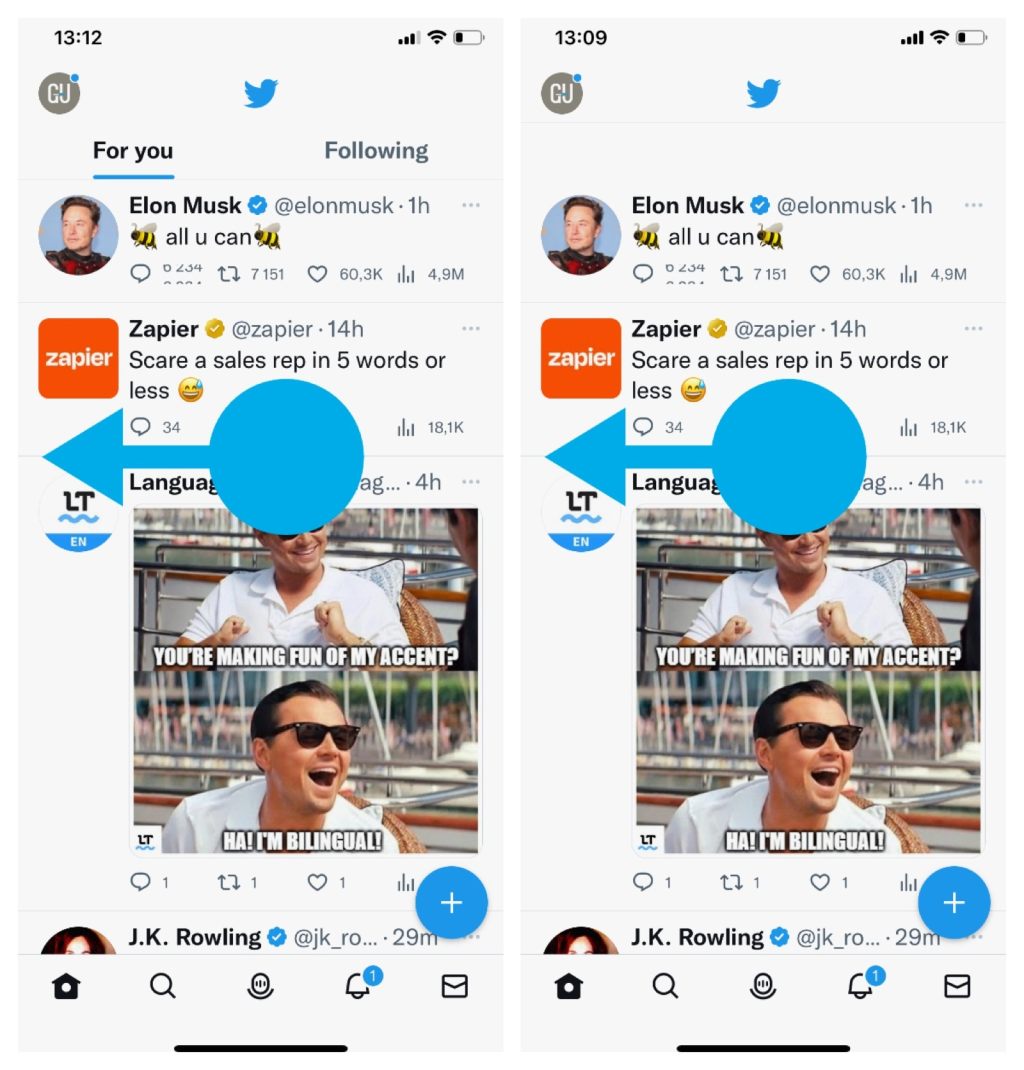
X (Twitter) timeline fix: how to quickly see the tweets of users you follow
When you open a Twitter app, tap “Following” section in the top bar or simply swipe left – even if you don’t see the top bar.
-
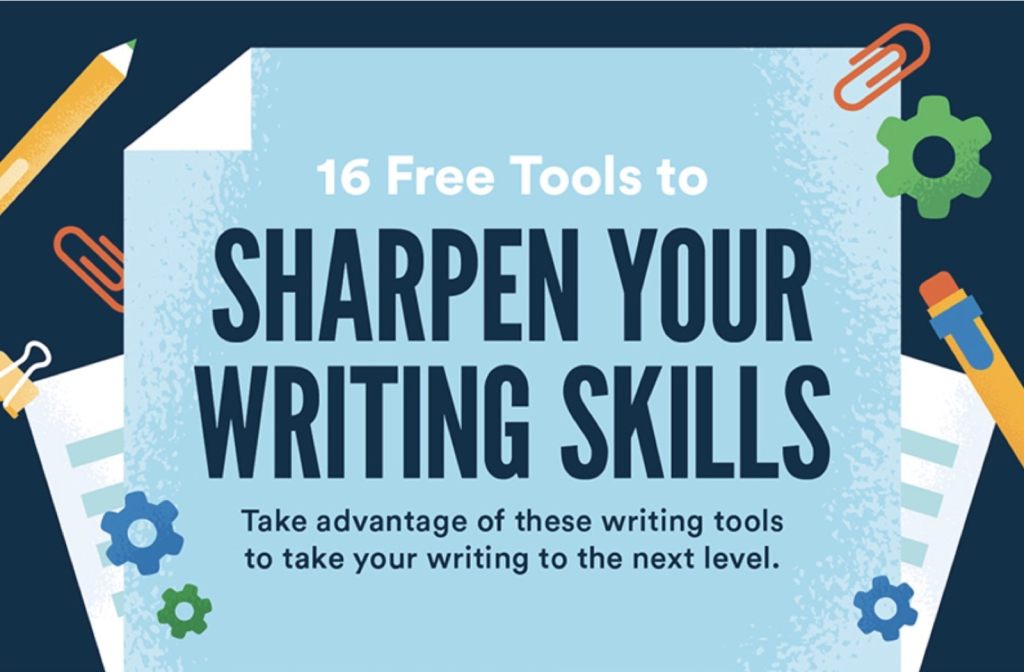
16 free tools to expand your writing skills (infographic)
Quickly learn about writing platforms, grammar checkers, productivity tools and business writing tools.
-

Google Keep browser extension will no longer save articles automatically
You will have to hit the Save button to save an url to Google Keep. Moreover, you won’t be able to edit your notes in the extension’s pop-up window.
-

iPad and iPhone: how to get full Kindle ebooks directly?
Kindle app for iPad and iPhone lets you only download free samples. You will need to visit Amazon website to buy a full ebook. Here are two ways to fix this inconvenience.
-

Is my iPad compatible with iPadOS 16? Here is the complete list
All generations of iPad Pro are compatible with iPadOS 16, as well as iPad mini and Air from 2019 or later, and basic iPad from 2017 or later.
-

How to read bionic books on iPad and iPhone
Bionic books are just regular ebook files with a special formatting. You can read them right now with any book-reading app on your iPad and iPhone.
-

Bionic reading on Android – how to add own books
Don’t wait for bionic-enabled Android apps. You can start bionic reading right away by adding a specially formatted book to your current book app.
-
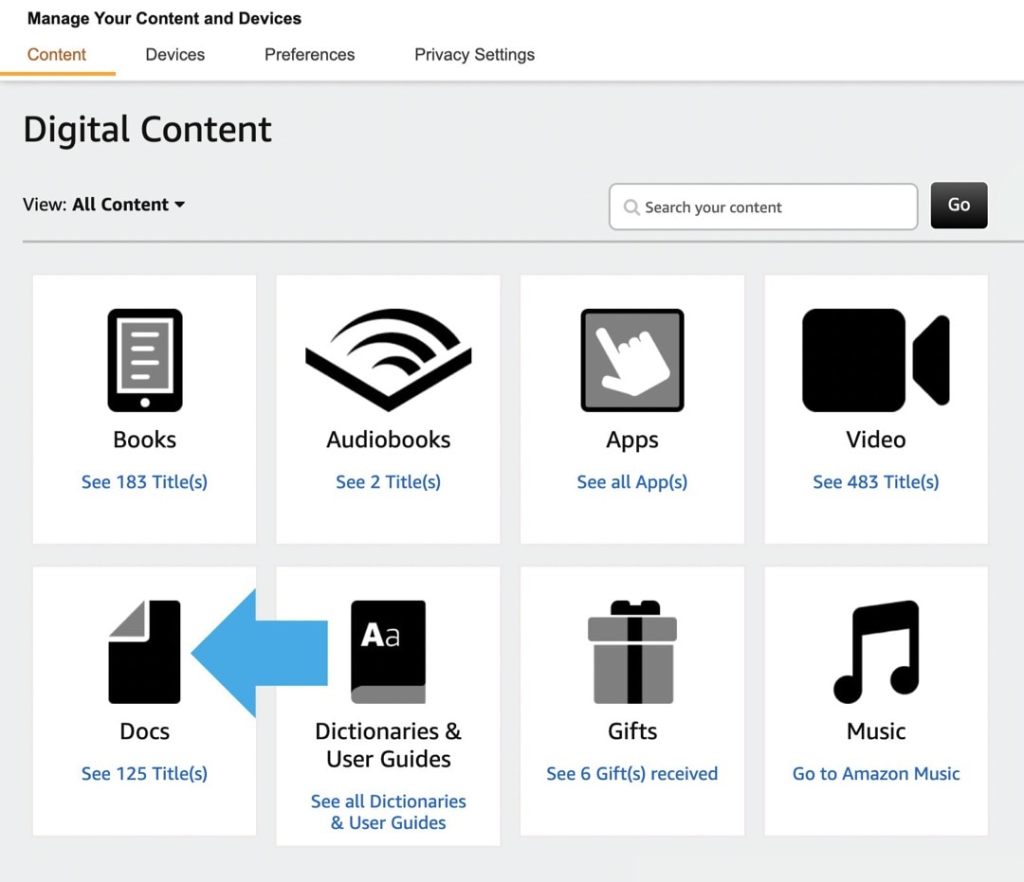
Where are my sideloaded books on Kindle?
The books you have added yourself to your Kindle library are now called “Docs,” and are separated from the ones you have downloaded from the Kindle Store.
-

Google Docs dark mode on the web: a 2-step trick to set it without an extension
∙ Dark mode is still not available in Google Docs on the web. ∙ Thanks to Pageless mode, you can set up the dark colors manually in two short steps.
-
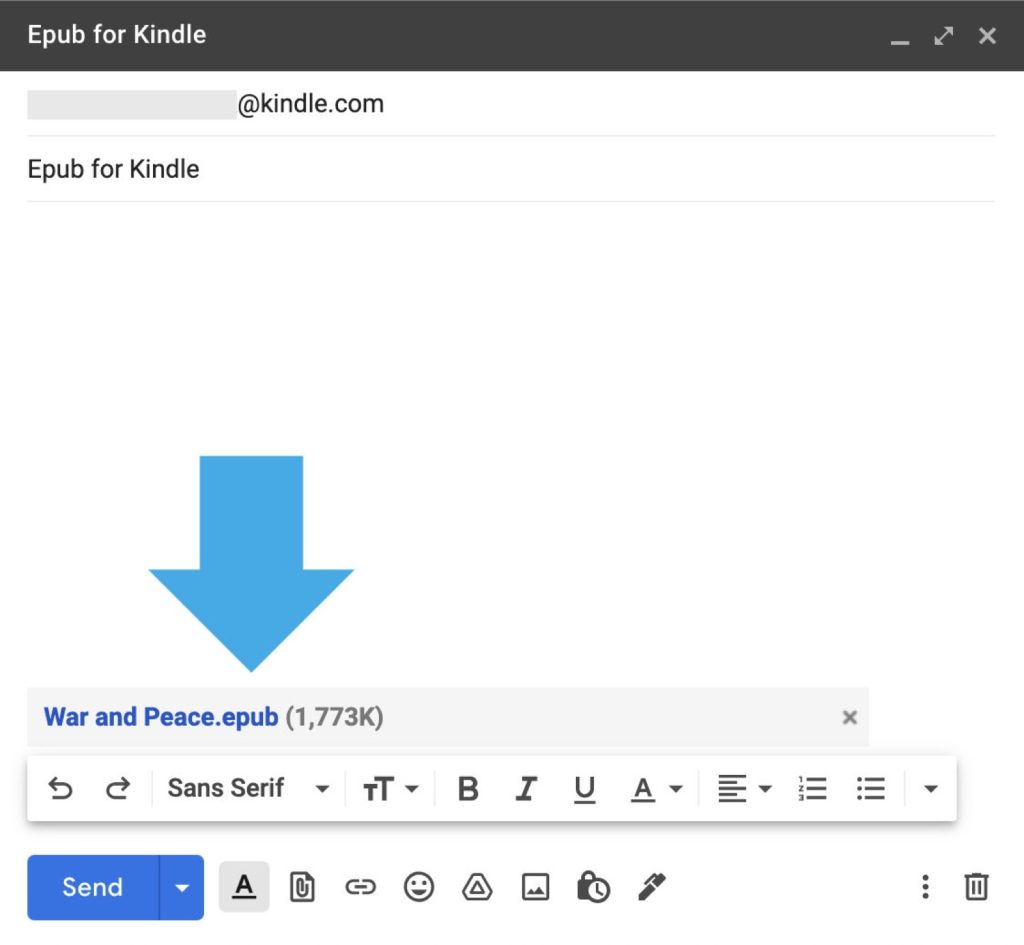
How to add epub files to your Kindle or Kindle app
∙ Just attach your epub file to an email and send it to the address associated with your Kindle. ∙ The file will be processed and appear in your Kindle cloud library and a destination device or app.
 Geek Updated