
You can explore Meta’s Threads for Instagram app even if you are not a registered user, and even in a country where the service is not available yet.
The background
▸ Meta’s Threads app is available in a growing number of countries, but in certain regions, such as the European Union, millions of users still can’t use it.
▸ When you live in a country the Threads app is not launched, you won’t be able to start it from your Instagram app.
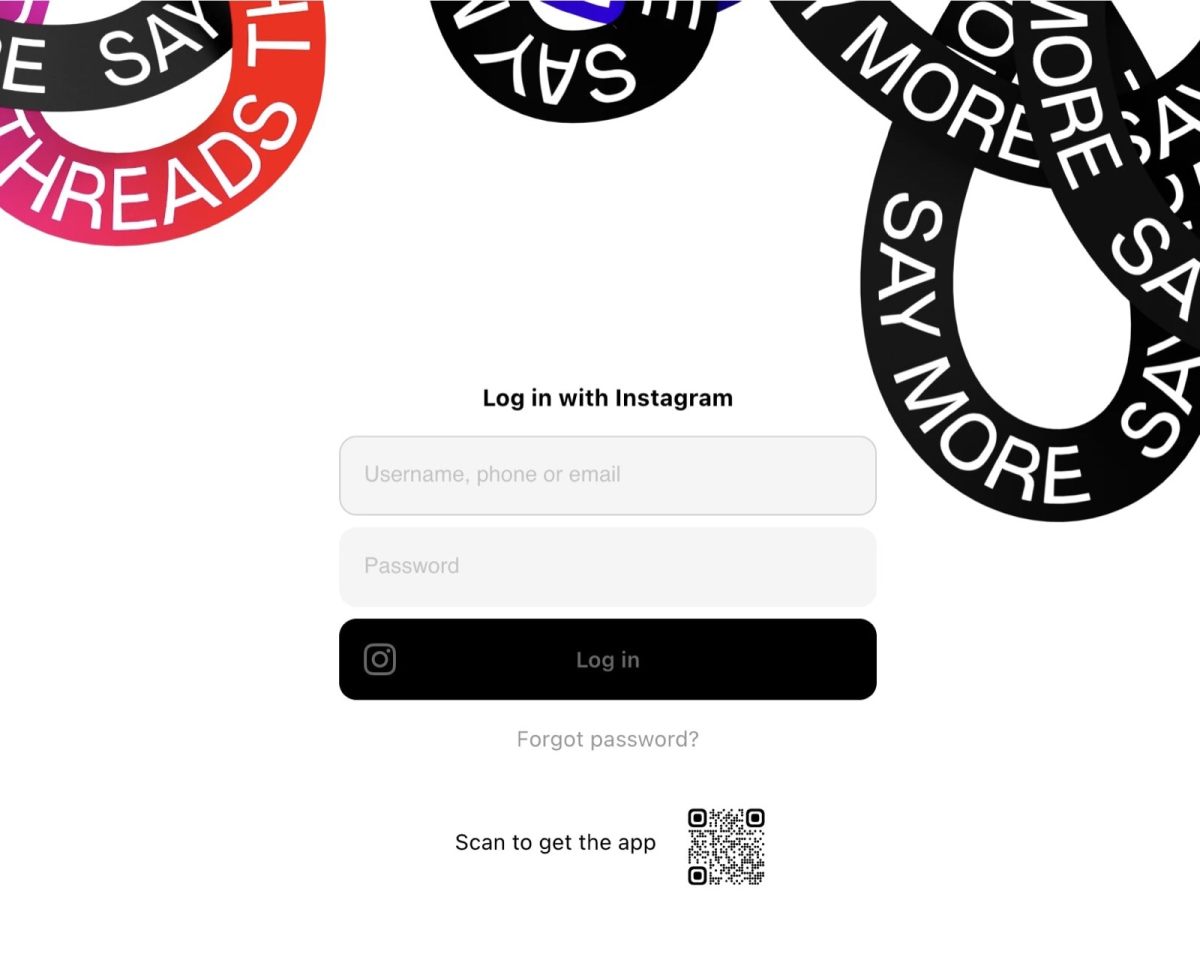
▸ When you go directly to the Threads app home page on the web at threads.net, you will see either the colorful dots with a QR code to grab the app or a login screen (see below).
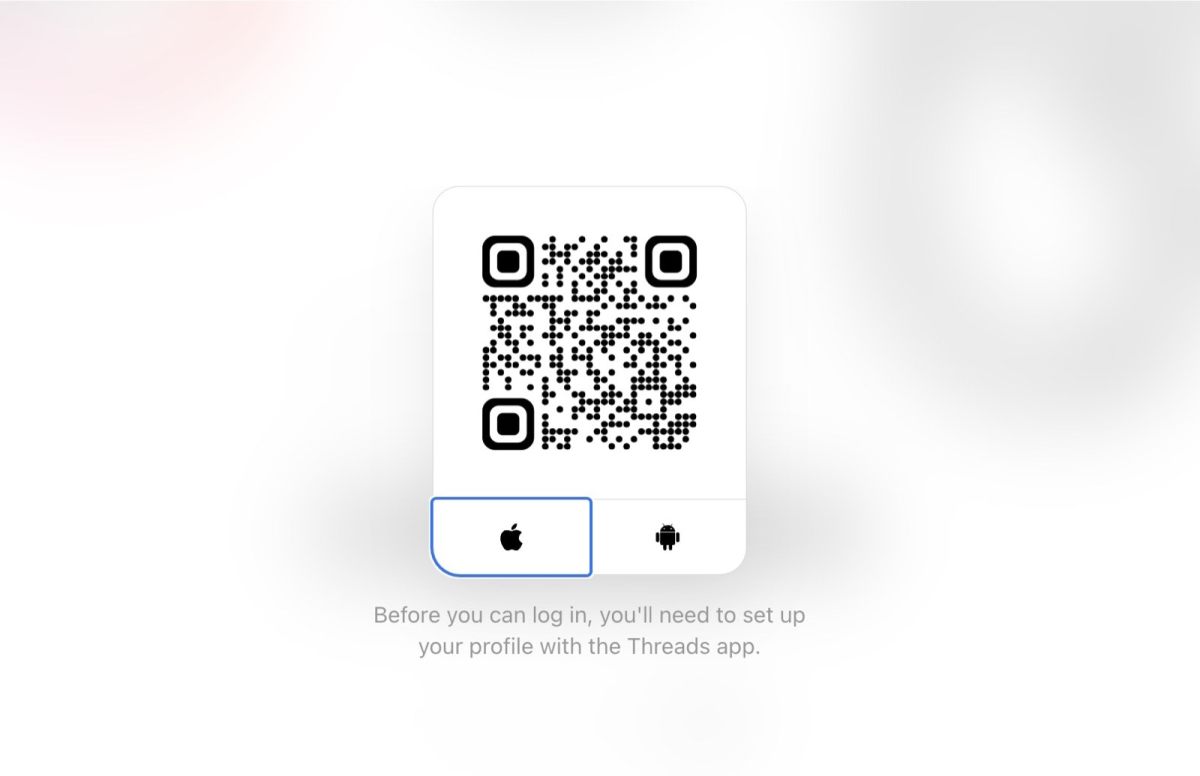
If you use your Instagram credentials, you will see a QR code with a message that you need to get the Threads app – but the app is still not available in your region…
▸ Another thing is that, if you want to switch from other text-based social networks, such as the X (Twitter), you would be able to set up your Threads account only if you have the Instagram account.
The solution
If you want to explore the Threads app and content without registering or in an unsupported region, you can do it easily in a browser. It’s because the Threads content is available via Google web search.
How to browse the Threads for Instagram app without being signed in
You can use basic Google web search operators to access the Threads content on the web. You can do it on your computer, tablet, or smartphone.
Tip: Open this post on a relevant device to quickly jump to the links shown below.
Threads app – find topic without signing up
Simply, open the new tab and type in the search box the following text that lists Google web search results grabbed from the single domain threads.net.
It will give you a list of results that will surely feel random. That’s why I recommend using the phrase that includes the topic you are keen to explore, for instance:
You can also use the hashtag, as the hashtags are used on the Threads app, just like on Instagram:
Click on any search result to open the Threads app’s content.
It will give you a general feel about what to expect from the Threads app, and whether it’s worth joining it or not.
As you will see, the Threads app supports links, images, and videos. As I mentioned above, hashtags are also used, but the web preview doesn’t show whether they are clickable.
Threads app – find user without signing up
If you know an Instagram handle of someone you would love to follow on the Threads app, you can try it as well.
You can do it in two ways:
1. Use the Google Web Search operator that includes the handle with “@”, for instance:
site:threads.net @britishlibrary
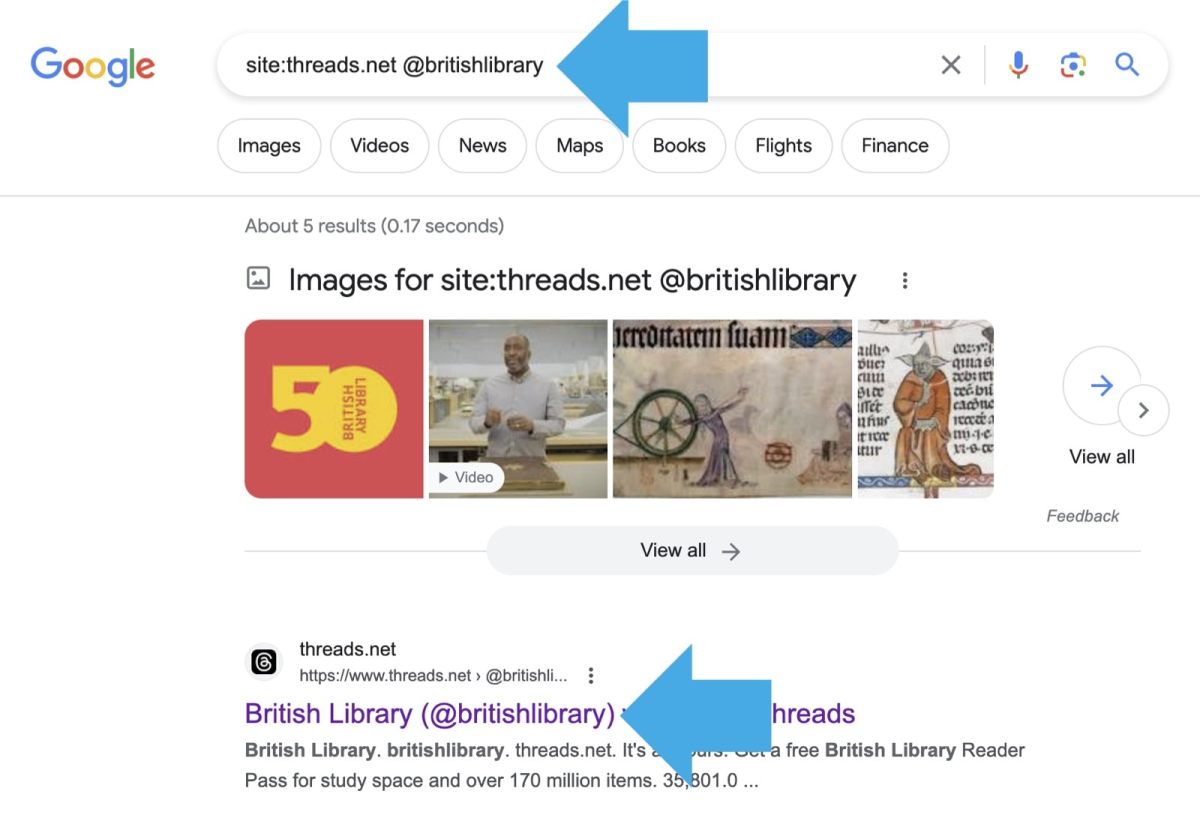
2. Go directly to the user’s profile by typing in the search box the following text. Replace “britishlibrary” with the handle of the account you are looking for; don’t remove the “@”.

As you see, you can get a pretty good feel of the possibilities the Threads app gives and the popularity among your friends in your current social network.
• • •
Keep exploring. Here are other tips and lists:
- These iPhone camo cases feature uncommon patterns, and come with textures for a more organic look. Great for military enthusiasts, […]
- Take a look at a handy infographic that lists the most famous artificial intelligence instances in pop culture.
- Take a look at tech quotes by Pablo Picasso, Douglas Adams, Stewart Brand, and Northrop Frye that are visualized on […]
- Are you looking for an iPhone case that you could personalize? Most items on the list are compatible with the […]
If you don’t want to miss future updates, make sure to enable email notifications in the comment box below. We are also waiting for you on WordPress Reader, Mastodon, Tumblr, and Facebook. You can also add us to your RSS feed.
If you buy an item via this post, we may get a small affiliate fee (details). We only use the cookies that are necessary to run this site properly (details).







 Geek Updated
Leave a Reply