
1. A spell checker built into Notion app can’t be used in a browser.
2. You can disable it only after you make an error.
Here are a few things I have noticed when trying to find the most effective way to check the text in Notion.
How to disable or enable a built-in Notion spell checker

▸ You can only use the built-in Notion spell checker in native apps for Mac & Windows. Opposite to other spell checking options, it’s very basic.
▸ There is no general setting to disable or enable the spell checker in Notion. It can be only managed in single documents. So, if you want to disable the Notion spell checker once and for good, you won’t be able to do it.
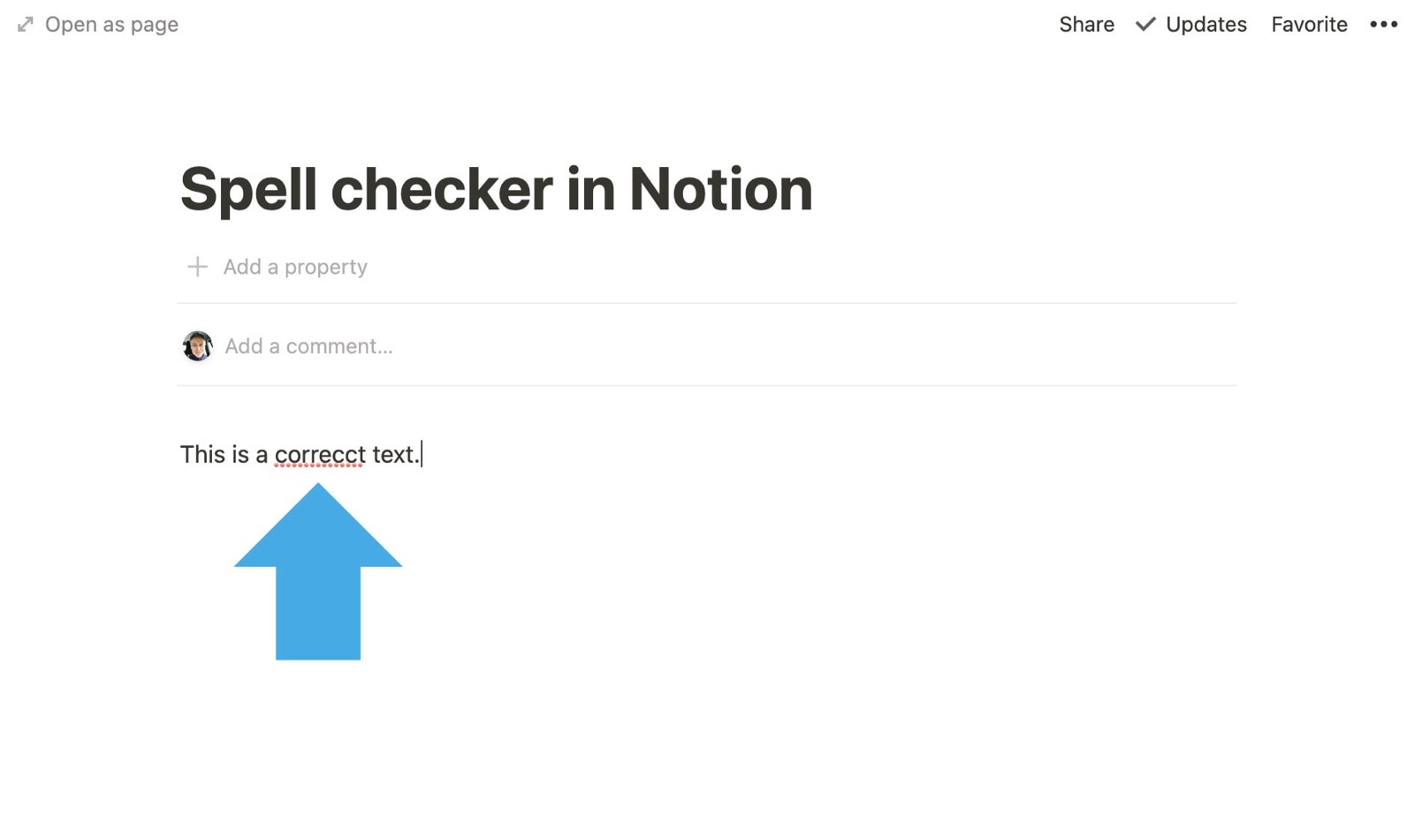
▸ By default, the native spell checker is turned off. You will be able to access and disable it only after you have made a mistake and a row of red dots appears under the misspelled word.
▸ To disable the Notion native spell checker, select the word to correct and open a context menu (Mac: mouse click + Control; Windows: the secondary mouse button, Application key, or Shift+F10). From the menu, select “Disable spell check” option.
▸ To re-enable the Notion native spell checker, select any word in a document, open the context menu, and click on “Enable spell check” option at the bottom.
▸ If you use Notion in your web browser, the spell checker is overridden by the browser’s own spell checking tool (if it’s enabled) or a system spell checker. It’s because the context menu is already occupied by the browser or system.
How to use third-party spell checkers
▸ So far, Notion doesn’t go well with popular spell checking tools such as Grammarly or LanguageTool (the latter one is my favorite).
▸ The biggest problem is the block-based structure of Notion documents. Each block is being treated as a separate text area to check.
▸ As a result, you can’t use helpful features such as a word/character count or text score.
▸ What’s more, when using a third-party spell checker, the document suddenly becomes crowded with spell checker’s status buttons, which appear at the end of each text block.
▸ If you are irritated by how Notion handles third-party spell checkers, you can do two things:
– Write a document in a Notion app, and open it in a web browser to edit and correct spelling mistakes with the spell-checking browser extension.
– In your third-party spell checker extension, disable notion.so domain, and check the text by copying and pasting it to spell checker’s native edit tool. It’s the solution I use.
• • •
Keep exploring. Here are other tips and how-to posts:
- These iPhone camo cases feature uncommon patterns, and come with textures for a more organic look. Great for military enthusiasts, […]
- Take a look at a handy infographic that lists the most famous artificial intelligence instances in pop culture.
- Take a look at tech quotes by Pablo Picasso, Douglas Adams, Stewart Brand, and Northrop Frye that are visualized on […]
- Are you looking for an iPhone case that you could personalize? Most items on the list are compatible with the […]
If you don’t want to miss future updates, make sure to enable email notifications in the comment box below. We are also waiting for you on WordPress Reader, Mastodon, Tumblr, and Facebook. You can also add us to your RSS feed.
If you buy an item via this post, we may get a small affiliate fee (details). We only use the cookies that are necessary to run this site properly (details).







 Geek Updated
Leave a Reply