
1. Open the Health Mate app and wait until all connected devices are synced.
2. If that doesn’t fix the problem, force close the app, open it again, and wait for sync to complete.
The latest update to Withings Health Mate app (version 5.2) comes with improved Insights and Help Center, but the most important and helpful feature and a new widget that informs you about your daily activity and latest measurements.
Problem
When you download the Health Mate update and add the widget to the home screen of your iPhone or iPad, you may see a disco effect – all widgets on the screen (and sometimes even app icons) may blink quickly.
Removing the Health Mate widget and adding it again does not help. The solution is easy, though.
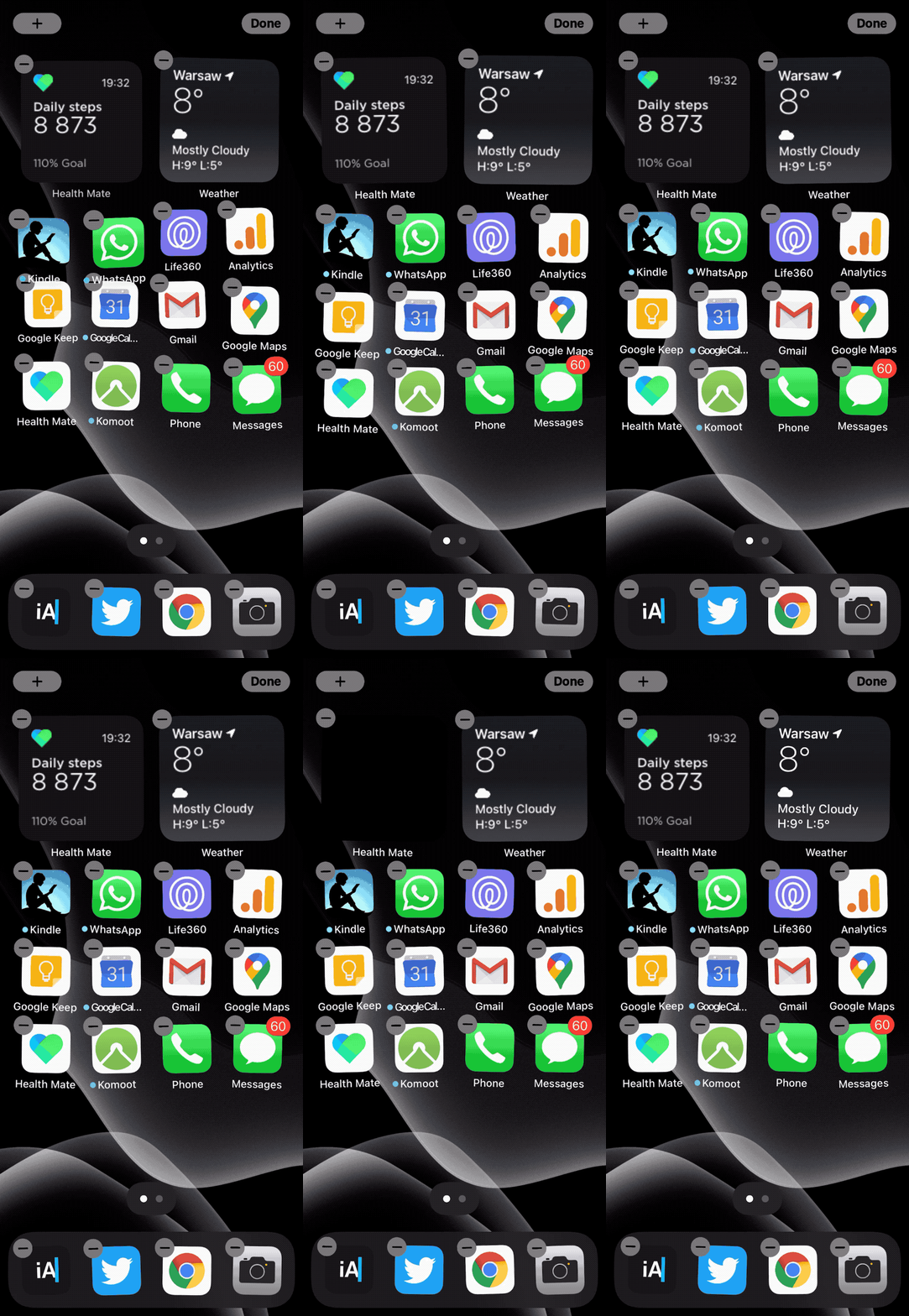
How to fix the blinking Health Mate widget for iPad and iPhone
1. Open the Health Mate app and wait until all connected devices are synced with the app and the step count is being updated to the latest status.
2. Close the app and see if that fixes the problem.
3. If not, force close the Health Mate app, open it again, and wait for synchronization to complete.





 Geek Updated
You must be logged in to post a comment.